YN
- posts
- 128
- followers
- 4,210
- following
- 312
𝐘𝐨𝐮𝐫 𝐧𝐚𝐦𝐞 𝐡𝐞𝐫𝐞
Fresh bread every morning, made by hand.
yourbakery.com
Type your words once and see them in over 20 Instagram fonts. Tap one to copy it, then paste it into your bio, a caption or a comment.
Every style below changes as you type. Tap a row to preview it.
Kept in this browser only, so a refresh keeps your text.
𝐘𝐨𝐮𝐫 𝐧𝐚𝐦𝐞 𝐡𝐞𝐫𝐞
Fresh bread every morning, made by hand.
yourbakery.com
How the picked font looks on an Instagram profile.
Every style shows your own words as you type, so you can compare them side by side before you copy.
Nothing to install and no sign-up: the fonts are made in this tab from Unicode letters.
Instagram has no font menu for bios and captions, so you paste styled letters.
Write your name, a bio line or a caption in the box. Every font below changes to your words as you type them.
Scroll the list and watch the bio preview. Script and gothic suit names; bold and typewriter suit short lines.
Tap Copy on the one you like, then open Instagram, edit your profile or caption and paste the text in its place.
Instagram lets you pick fonts for Stories and Reels text, but not for your bio, name or captions. The fonts here are not fonts at all: they are letters from Unicode's mathematical and symbol sets, which every phone already has, so they paste anywhere text goes.
That is also their limit. Search does not read 𝓈𝒸𝓇𝒾𝓅𝓉 as script, so a styled name is harder to find, and screen readers may spell the letters out one by one. Keep your username and the words people search for in normal letters.
A few styles, like the bubbles and squares, only have capital letters, and some older phones show unknown symbols as boxes. Check the preview, and if a style looks broken there, it will look broken to some of your followers too.
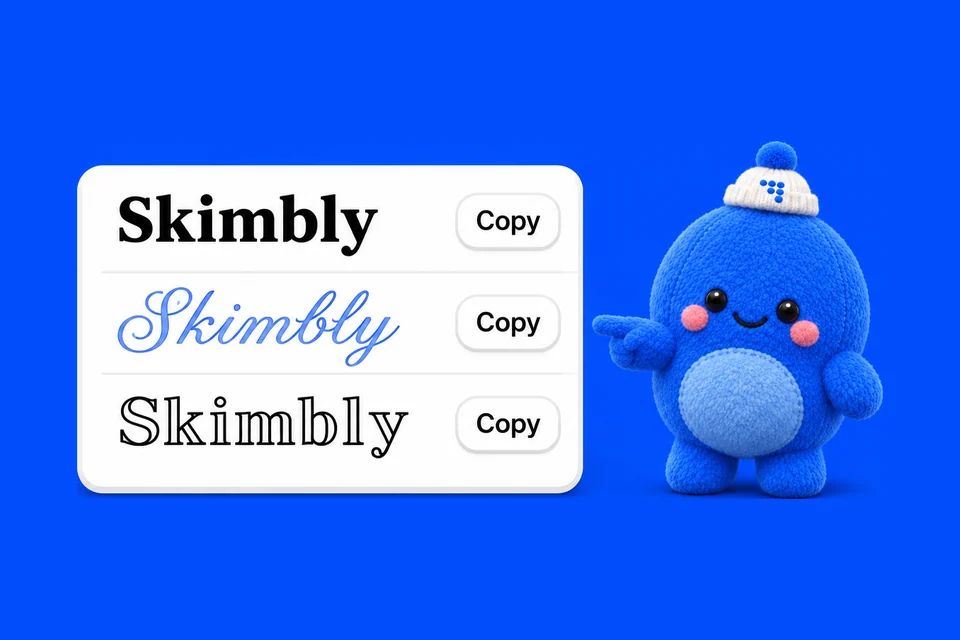
Script, bold script, gothic, outline, typewriter, small caps, bubbles, squares, wide and more.
See the font in a real looking profile header before you paste it, beside your name and stats.
Each style has its own Copy button, so it goes to your clipboard with spaces and line breaks kept.
Style your display name or one line of your bio, and keep the rest plain so it stays easy to read.
The letters paste into captions, comments, DMs and Story text boxes, as well as other apps.
The classic bold, italic and bold italic letters are here, for a word you want to stand out.
Every font is made in this tab, so the text you type is never sent anywhere.
Each style is built from Unicode tables inside your browser. No server sees the words you style.
Your text is kept in this browser so a refresh keeps it. Clear the box and it is removed for good.
No Instagram login, no app to install and no sign-up. Make as many font versions as you want.
Type your text here, copy the font you like and paste it into your bio, name or caption. Instagram has no font menu there.
Yes. Paste a styled line into Edit profile. Keep it short, since styled letters can take two of your 150 characters each.
They can. Instagram search reads styled letters as symbols, so keep your name and searchable words in plain letters.
Older phones may not have every Unicode symbol. Bubbles, squares and rare letters are the most likely to show as boxes.
Stories and Reels have their own font button in the text tool. These copy and paste fonts work there too, inside a text box.
Yes. They are Unicode letters, not licensed font files, so you can use them in any post, bio or comment at no cost.
Instagram uses its own sans serif for captions and bios. Styles here are Unicode letters, so they show anywhere as text.
Type your text, tap copy on the style you like, then paste it into your bio, caption or comment in the Instagram app.
Still have a question? Email hello@skimbly.com and you will hear back from the founder.
Write a caption, add your photos or reel, and Skimbly posts it to Instagram at the time you pick, with your first comment too.
Try every feature free for 7 days.