Everything lands in Skimbly
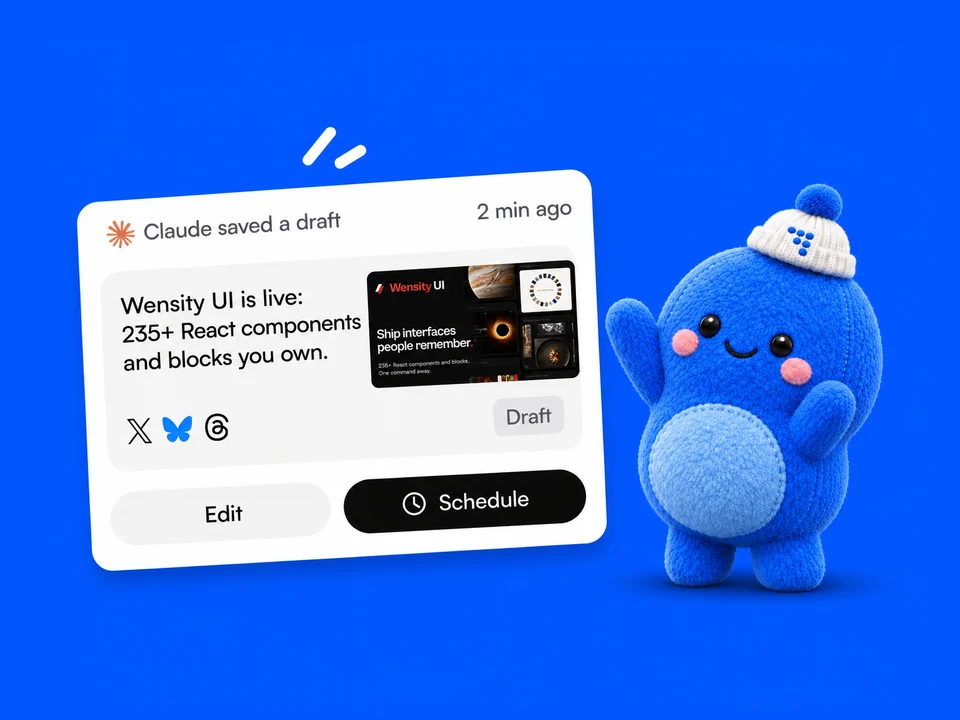
Each post your AI makes is in your calendar and posts list, to edit, move or delete.
Tell the AI you already use what to post. It writes the post, picks your accounts and the time, and Skimbly publishes it on every network.
Your AI reads your accounts, your plan and your calendar through Skimbly, so plain words are enough.
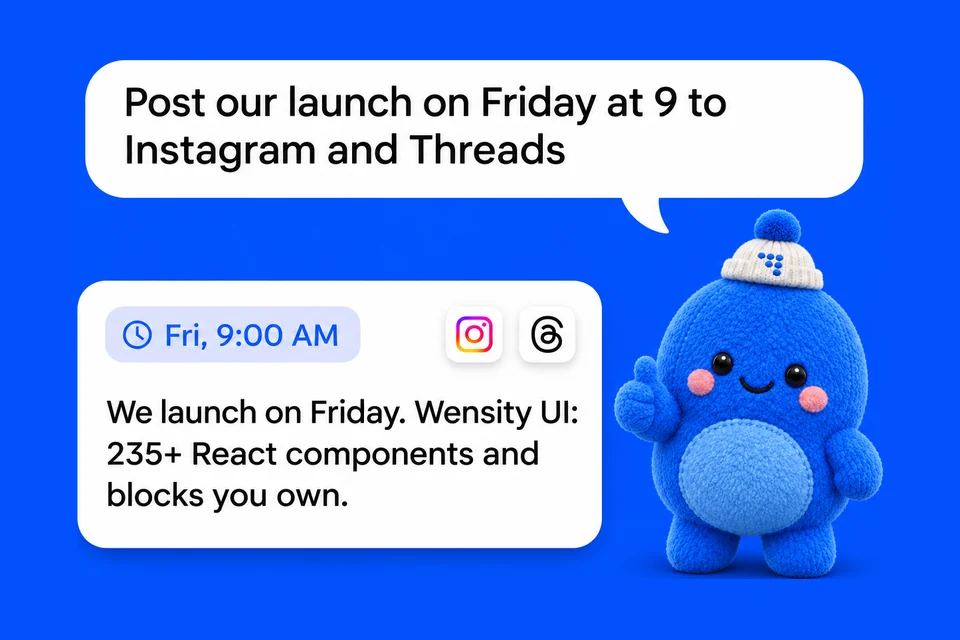
Writes the post, fits it to each network and books the time.
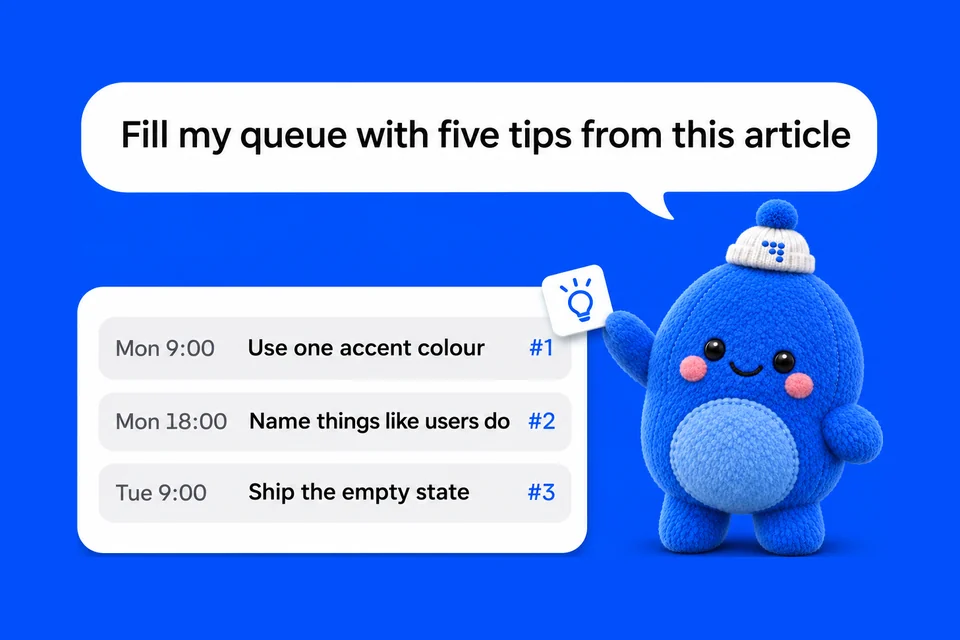
Turns a link or notes into posts in your next free posting times.
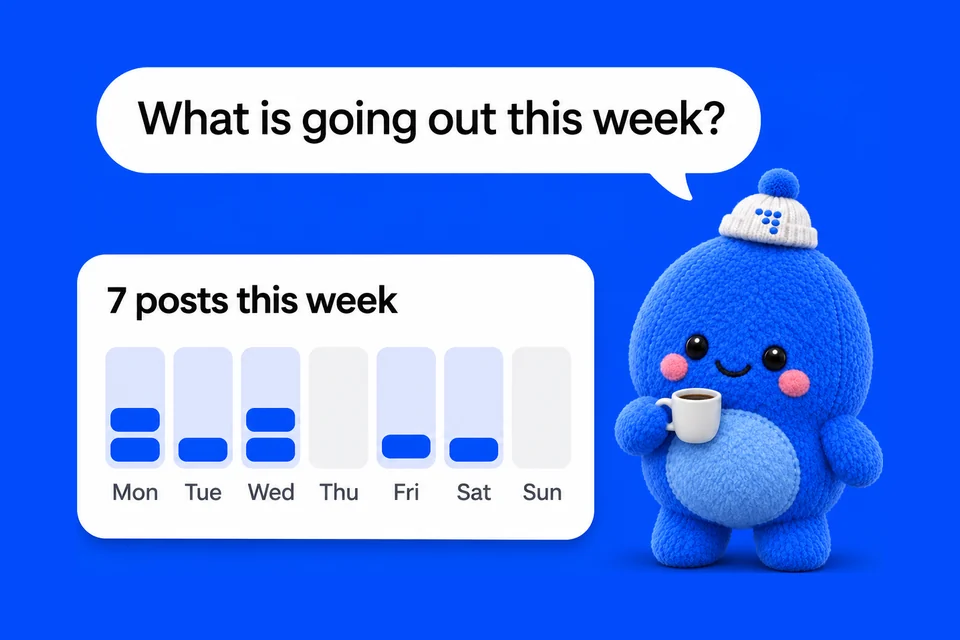
Reads your calendar back to you, with each post's time and networks.
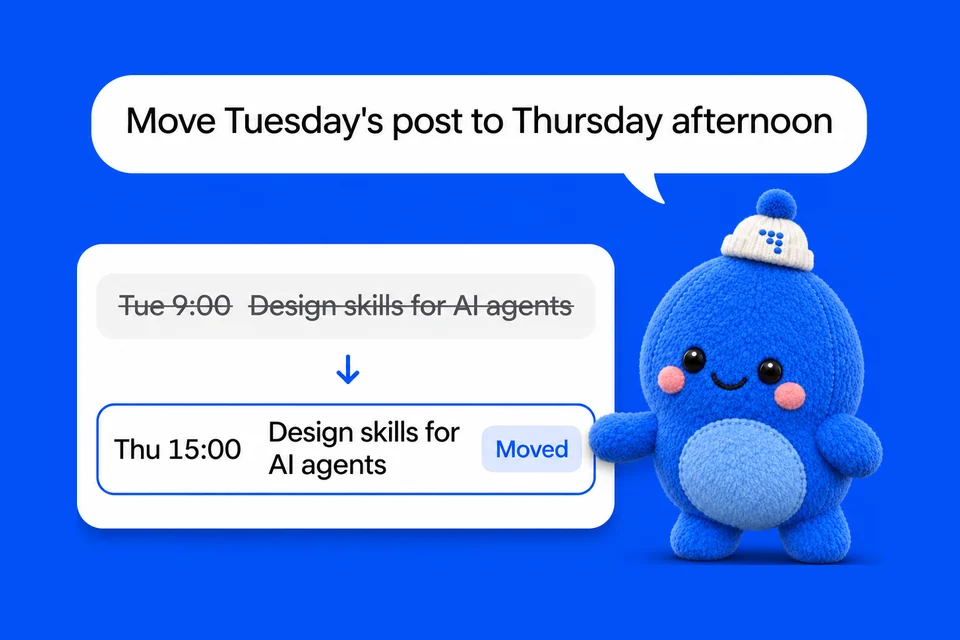
Finds the post and changes its time, without touching its words.
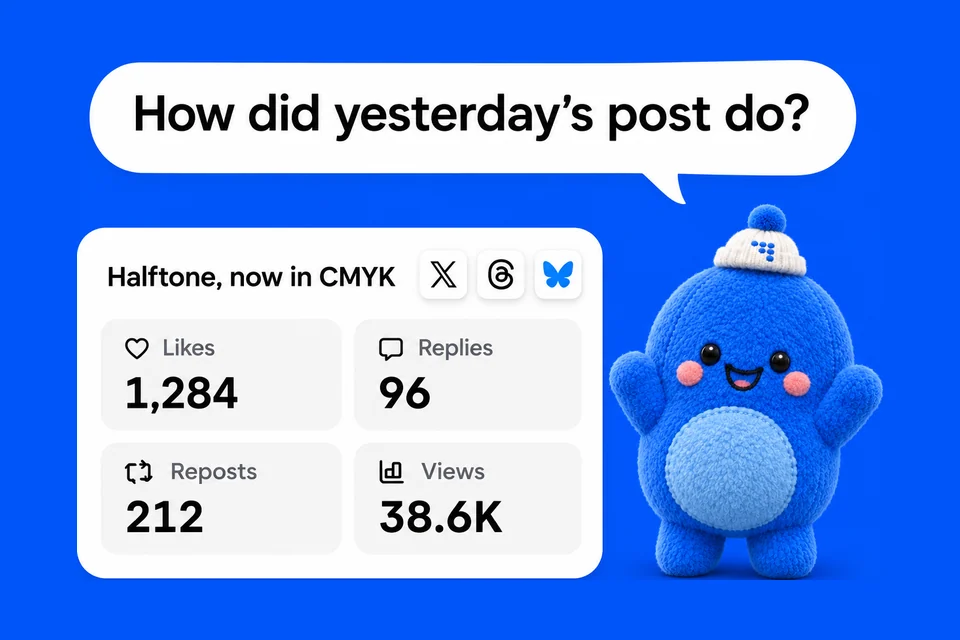
Fetches its likes, replies and views on the networks that share them.
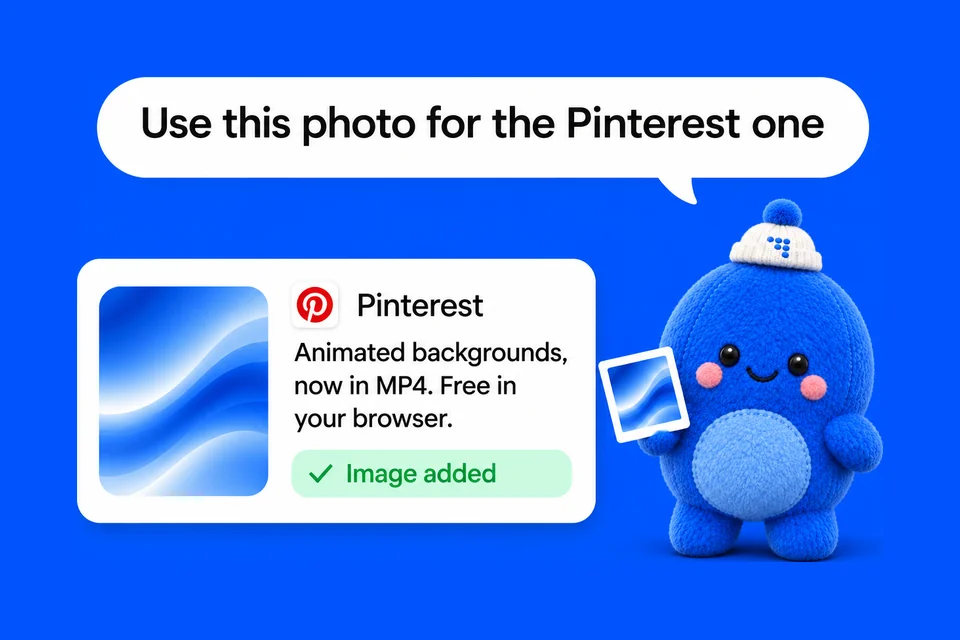
Takes an image from a link and adds it to the post for you.
One address works in every app. You sign in with your Skimbly account, so there are no keys to copy.
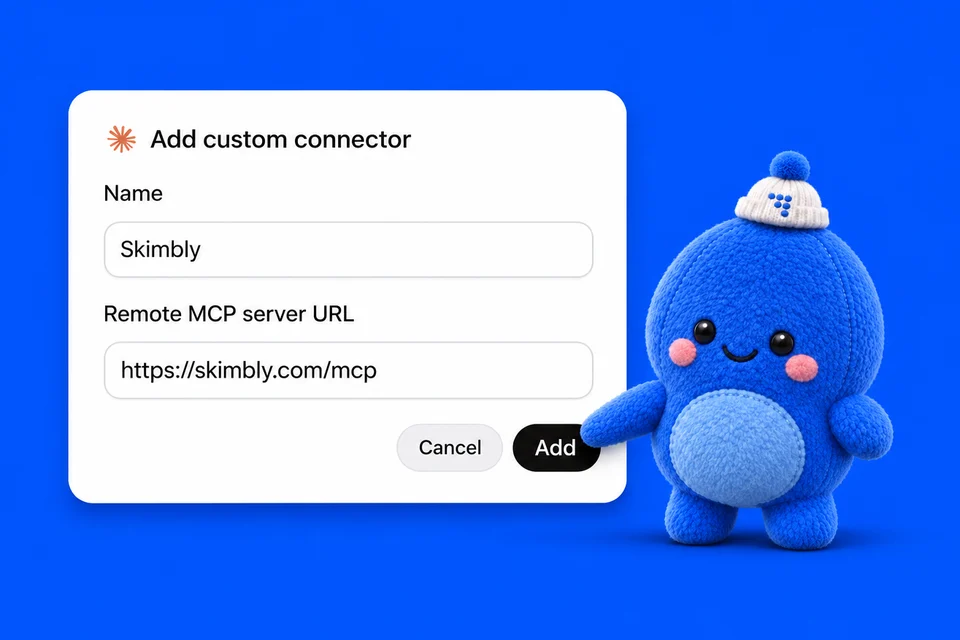
In Claude or ChatGPT, add skimbly.com/mcp as a custom connector. Other apps work the same.
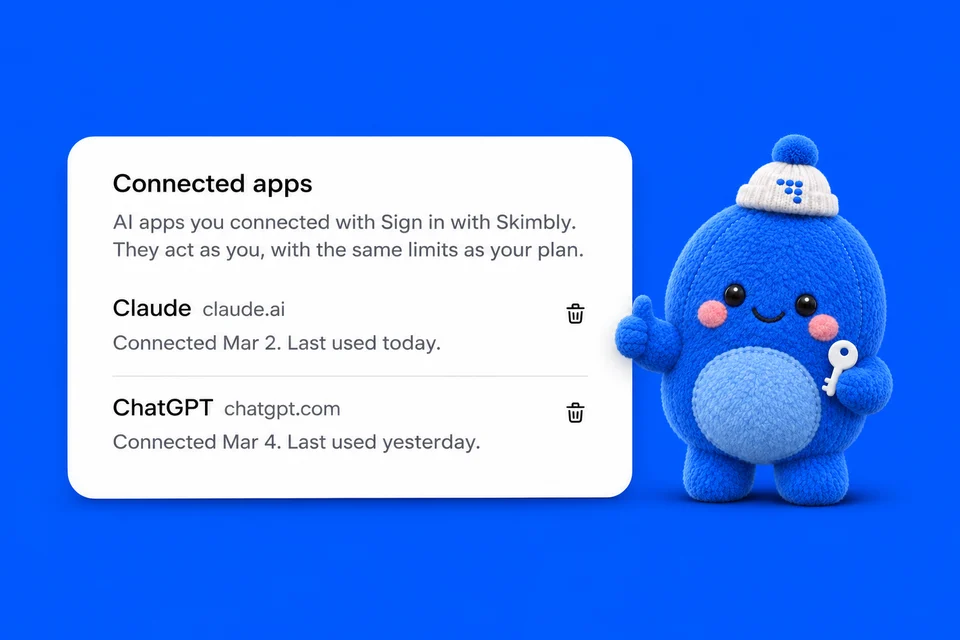
The app opens Skimbly. Log in and choose Allow, and it shows in your Connected apps.
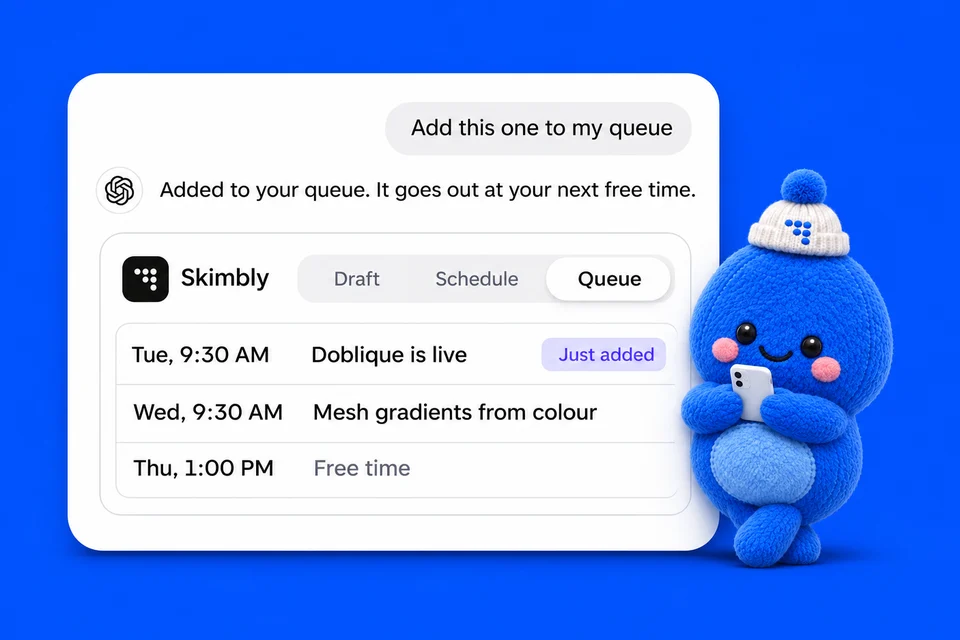
Say what to post and when. Ask for a draft, a set time, your queue or right now.
Using Claude Code, Cursor or a script? Connect with an API key instead. Read the API docs
The AI works through the same Skimbly you use, with the same checks, and you can see everything it did.
Each post your AI makes is in your calendar and posts list, to edit, move or delete.
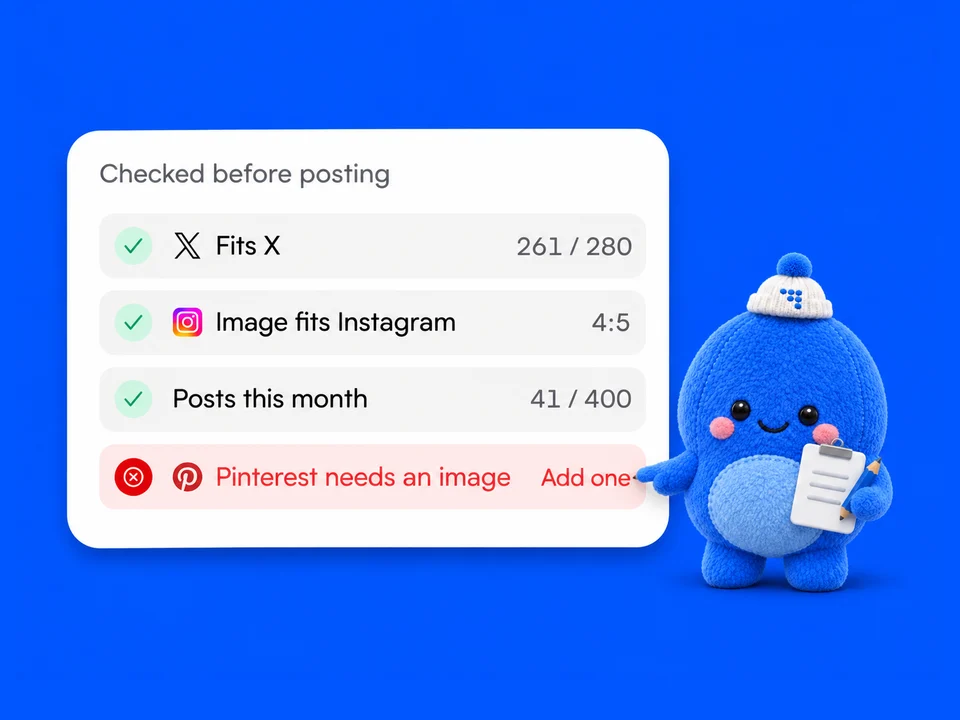
Every post passes each network's limits and your plan's, and fails loudly if it cannot go out.
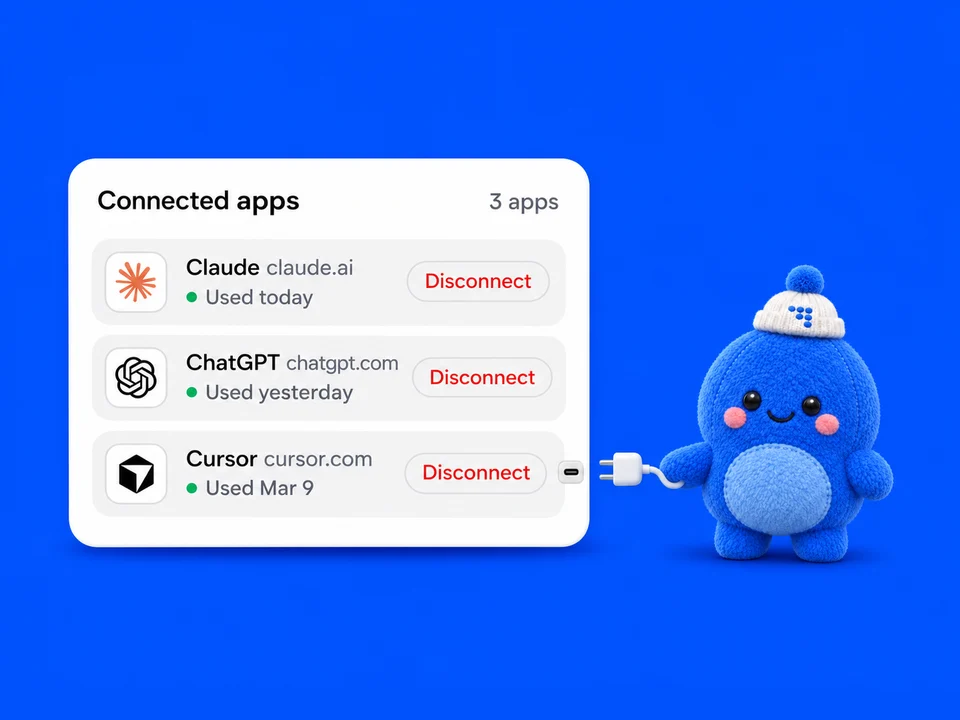
See which AI apps can use your account, when they last did, and remove any of them.
Skimbly is a remote MCP server, so any app that can add one can post for you. That includes Claude, ChatGPT, Claude Code, Codex, Cursor and more.

Add Skimbly as a connector once, then use it from any chat whenever a post comes to mind.
Add Skimbly with one command and an API key, and post from where you write code.

Your AI writes in your voice from your notes, links and past posts, not from a template.
Times you say in plain words, like Friday at 9, are read in your own time zone.

Each app signs in on its own, with no password shared and nothing to paste in.

Skimbly is a full scheduler too, with a composer, calendar and AI help built in.
An AI social media manager is an AI that does the posting work a person would: writing posts, choosing when they go out, publishing them and checking how they did. You tell it what you want in plain words instead of filling in forms.
With Skimbly, that AI is the assistant you already use. Claude, ChatGPT or another app does the thinking and writing; Skimbly gives it your accounts, your calendar and the posting.
An AI agent can run the slow part. Through Skimbly it writes posts, puts them on your calendar, moves them, fills your queue and reads back how each one did, across every network you connect.
It does not answer comments or messages for you. Replies still need a person, and Skimbly's inbox keeps Instagram and Bluesky comments in one place for that.
A caption generator gives you text to copy. You still open each network, paste it, add the picture and pick a time. An AI connected to Skimbly takes it the rest of the way: the post is scheduled, fitted to each network and published without you opening anything else.
Skimbly tells every AI app to post straight away or delete only when you clearly ask. Everything it makes shows in your calendar, where you can change or remove it before it goes out.
Each app has its own sign-in that you can remove at any time in Settings, and none of them ever sees your network passwords.
What people ask before they connect their AI.

7 networks, 18 AI apps and AI writing on every plan. Free for 7 days.