Skip to content

Cross-posting that fits every network

Write a post once and send it everywhere you are. Skimbly shows how it lands on each network and lets you change the words where one needs them.

Write it once, post it everywhere.

Three steps from a blank page to a post that is live on every network you picked.

  1. Connect your networks

    Sign in to 7 networks once. Keys stay encrypted, and Skimbly posts only what you ask.

  2. Write one post

    Pick the accounts, write the words and add pictures or a video. Every network gets it.

  3. It goes out at once

    At the time you set, each network gets its own copy, with a link to it once it is live.

One post, made right for each network.

Copying the same words everywhere is easy. Skimbly helps you post something that reads well on each network.

  • See every version

    A live preview of the post on each network, laid out the way that network shows it.

  • Counts per network

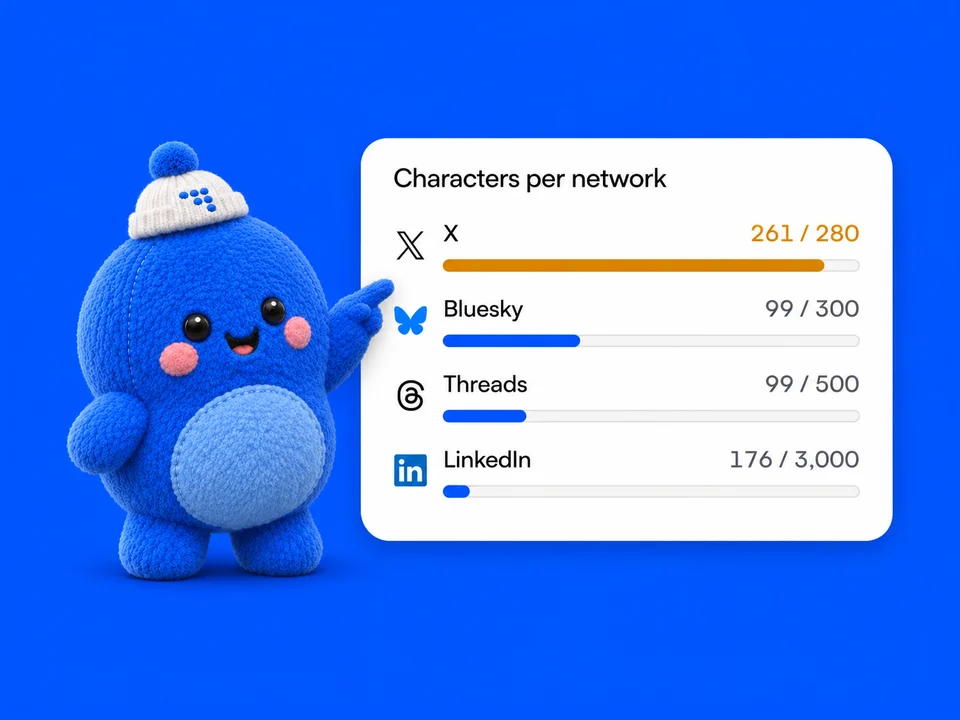
    Each network's limit as you type, amber when close and red when over.

  • Each network's options

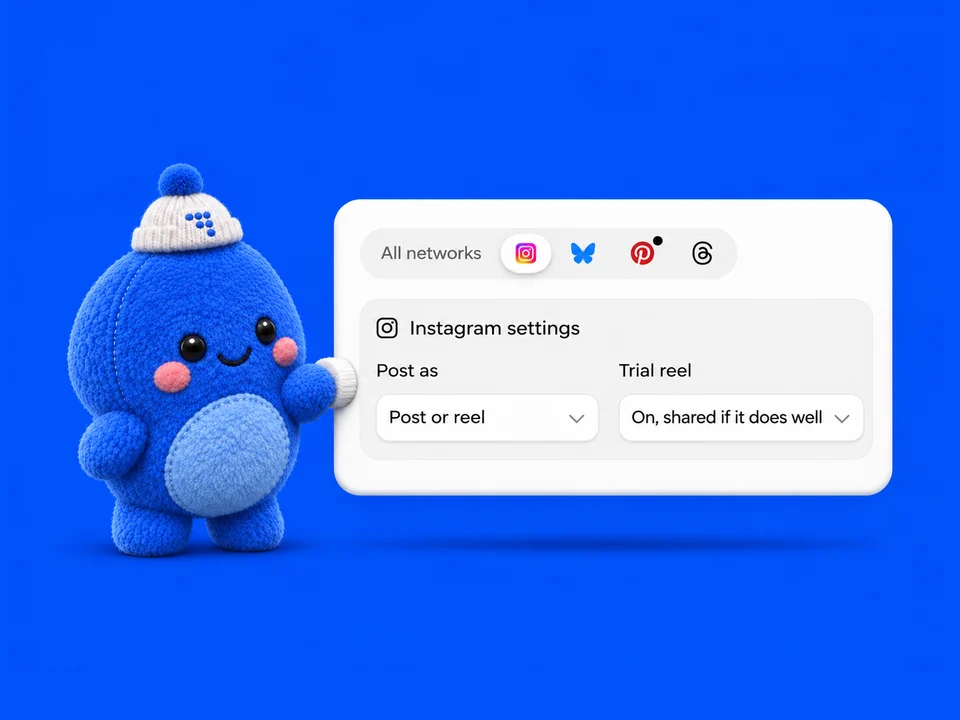
    Stories and trial reels, Pinterest boards, who can reply and more.

  • Follow-ups that go with it

    Up to 10 replies under the post, or comments on Instagram, each sent when you choose.

What each network takes.

Skimbly checks a post against these limits as you write, so nothing fails at posting time.

NetworkCharactersImagesVideo length
Bluesky3004Up to 3 min
LinkedIn3,0009Up to 30 min
Threads50010Up to 5 min
Facebook63,20610Up to 4 h
Instagram2,20010Up to 15 min
Pinterest8005Up to 15 min
X2804Up to 2 min

Instagram and Pinterest need a picture or a video on every post. Skimbly takes images up to 10 MB and videos up to 200 MB.

Small things that save a re-post.

The details that decide whether a post lands well on every network or only on one.

  • Change one network only

    Edit the words for one network and the rest keep the shared text. Undo it in one click.

  • Account groups

    Save the accounts you often post to together, then pick them all in one go.

  • Alt text on images

    Describe each picture once, up to 1,000 characters, and it goes to every network that reads it.

  • Retries, never doubles

    If a network has a bad moment, Skimbly tries again by itself and never sends the same post twice.

  • Now, later or queued

    Post right away, pick a time, or add it to the next posting time that is free.

  • Rewrite for a network

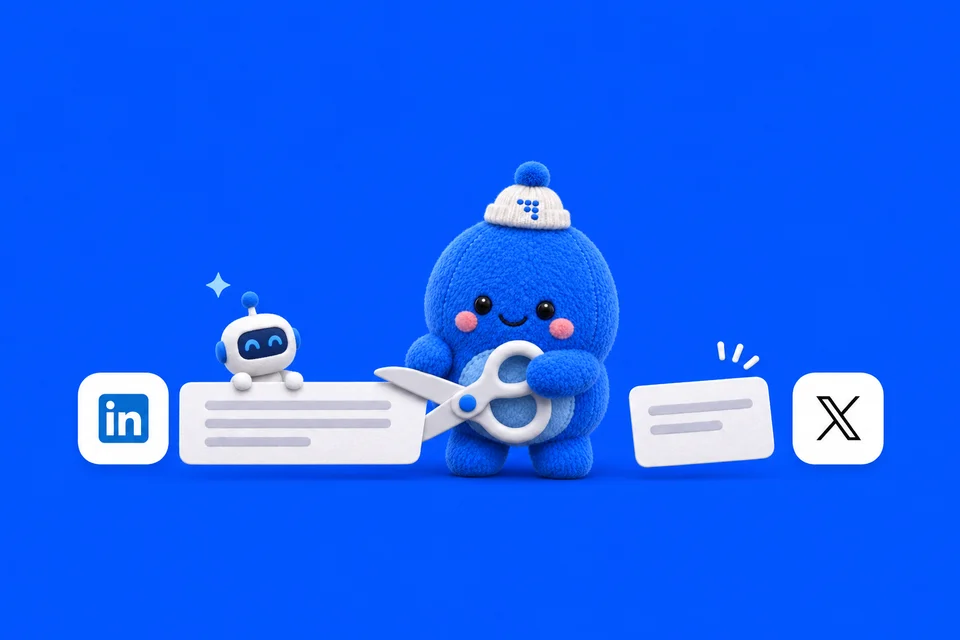
    Ask AI to shorten a post for X or make it fit LinkedIn, then keep what you like.

Cross-posting, explained.

What cross-posting means

Cross-posting means sharing the same post on more than one social network, such as a launch that goes to Instagram, Threads and LinkedIn on the same day. It saves you from writing and uploading the same thing several times.

A cross-posting app does the sharing for you: you write once, pick the networks and the time, and it publishes to each one.

Why cross-posting does not hurt your reach

No network punishes a post for also being somewhere else. What hurts is a post that does not fit: a caption cut off at X's limit, hashtags piled onto LinkedIn, or a link that Instagram will not make clickable.

So cross-post the idea, not always the exact words. Keep the shared text for most networks and change only the ones that need it, which is what the network tabs in Skimbly are for.

How to cross-post from Facebook to Instagram

Instagram can share each post to a linked Facebook profile or Page from Accounts Center, with the same caption. A cross-posting app like Skimbly sends one post to Facebook, Instagram and every other network you pick, each with its own words if you want.

Cross-posting vs. reposting

Reposting shares a post that already exists, often someone else's, on the same network. Cross-posting publishes your own post as a new post on each network, so each one gets its own likes, replies and reach.

Cross-posting questions, answered.

The short answers before you post everywhere at once.

Bluesky, LinkedIn, Threads, Facebook, Instagram, Pinterest and X. On LinkedIn, Skimbly posts to personal profiles today, and LinkedIn Pages are coming soon.

Yes. Write the shared text first, then open a network's tab and change the words for that network only. The other networks keep the shared text.

Yes, within each network's own limits, which Skimbly checks as you add them. Instagram and Pinterest need a picture or video on every post; the others also take text on its own.

The other networks still get the post. Skimbly tries the failed one again on its own, and if it still cannot post, it tells you why and lets you try again with one click.

Yes, on every plan, with a monthly allowance of X posts. A post with a link counts as more, because X charges far more for those.

Yes. Pick a date and time, or add it to your queue, and every network you chose gets the post at that moment. You can move it on the calendar until it goes out.

Yes. Every plan starts with a 7-day free trial with every network and feature. Cancel within those 7 days and nothing is charged.

Start posting from your AI today.

7 networks, 18 AI apps and AI writing on every plan. Free for 7 days.