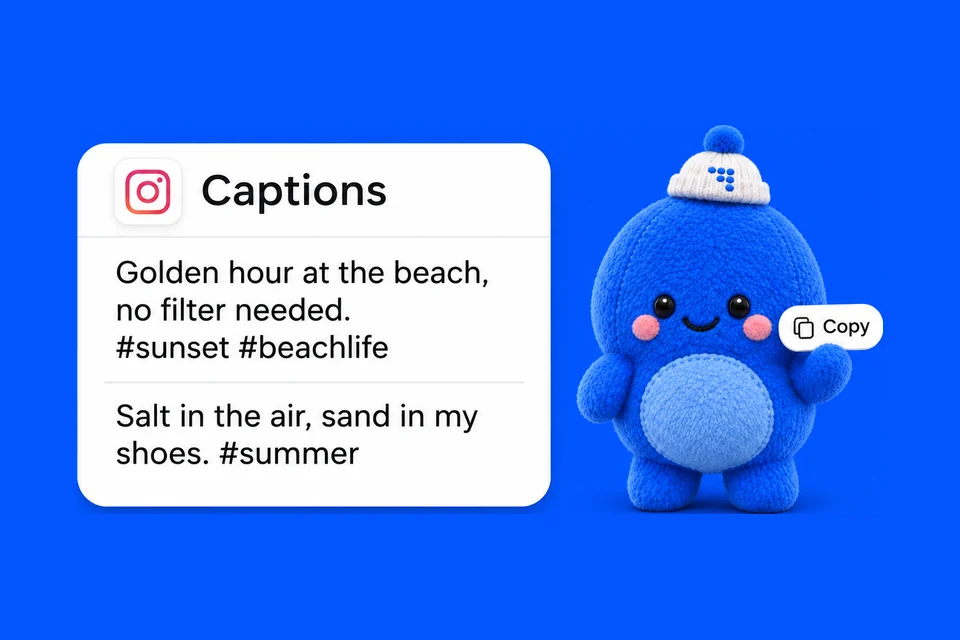
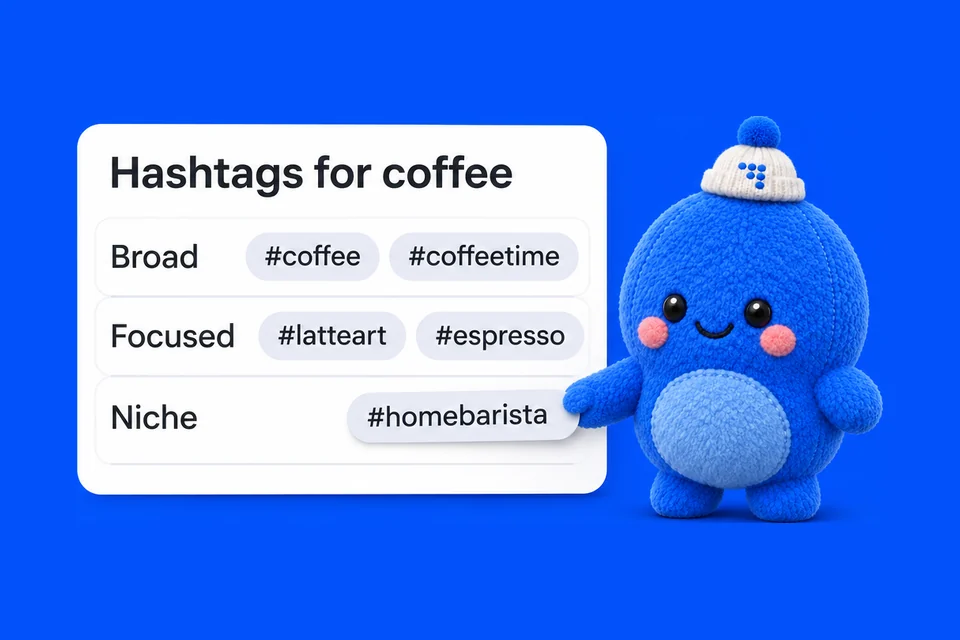
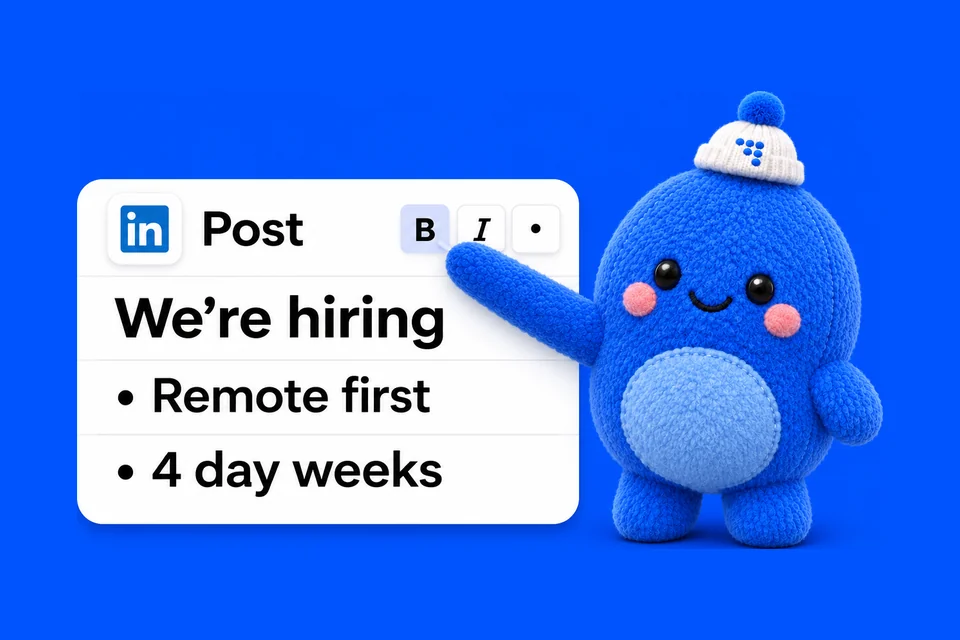
Is the AI post generator free?
Yes, with no account. Each visitor gets 15 AI requests a day across the free tools, which keeps them free for everyone.
Write your idea once, pick the networks, and the AI writes a post for each one, in its style and inside its character limit.
Free, no sign-up. 15 AI requests a day.
A post for each network you pick shows here, with its character count.
Each network gets its own version, so LinkedIn reads like LinkedIn and X stays under 280.
Free and with no sign-up: 15 AI requests a day, shared across the free AI tools.
From an idea to a post for every network in three steps.
Say what you want to share in a sentence or two. Add the facts that matter, such as a date, a price or an offer.
Tap the networks you post on, up to all seven, then press Write posts. Each one is written for that network.
Every post shows its character count against the network's limit. Change a word or two, then copy and share it.
The same words rarely work everywhere. LinkedIn rewards a first line that makes people click see more, X wants the point in under 280 characters, and Instagram needs a caption that opens strong under the photo.
The generator writes each version inside its network's limit, so nothing is cut off when you share it. It sticks to the idea you give it and does not make up prices, dates, names or quotes you did not include.
Treat what comes back as a first draft. One line only you could write, like a real number, a customer's words or what went wrong, is what makes a post sound like a person instead of a template.
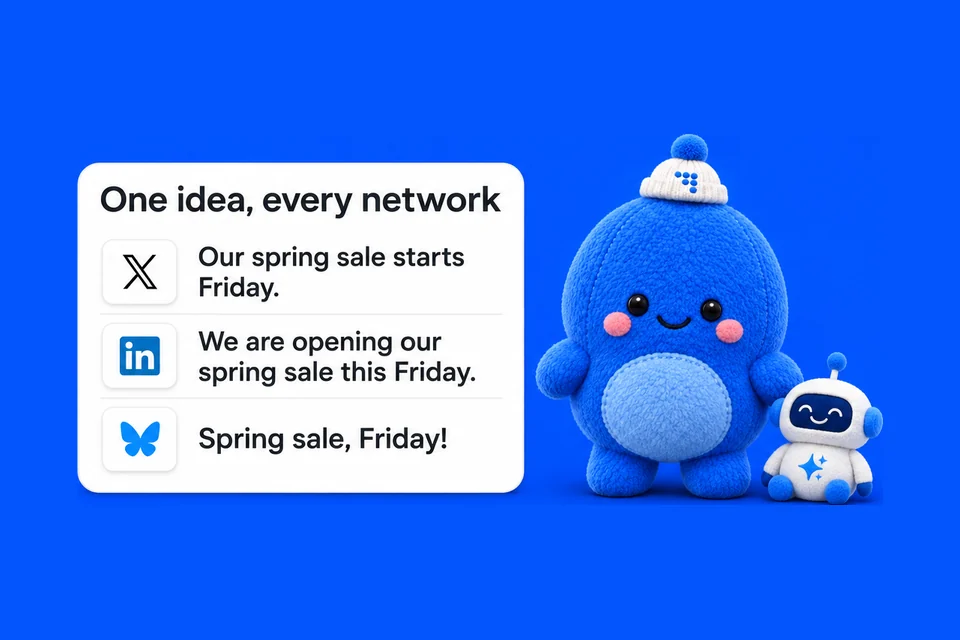
Instagram, Facebook, LinkedIn, X, Threads, Bluesky and Pinterest, all from the same idea at once.
Each post fits its network: 280 on X, 300 on Bluesky, 500 on Threads and 3,000 on LinkedIn.
Short for X, warmer for Facebook, searchable words for Pinterest and a strong hook for LinkedIn.
The AI is told to keep to the facts you give, so check the post, then add the details you want in.
Every post shows its length against the limit, so you can see at a glance which ones have room left.
Each post has a copy button of its own, so you can paste them one by one into each app as you go.
Writing posts needs AI, so the idea you type is sent to write them.
Your idea is sent to Skimbly's server and to Groq, the AI that writes a post for each network.
Skimbly does not save your idea or the posts it writes. They live on this page until you close it.
Nothing to sign up for. A scrambled form of your IP address counts requests, and it resets daily.
Yes, with no account. Each visitor gets 15 AI requests a day across the free tools, which keeps them free for everyone.
Instagram, Facebook, LinkedIn, X, Threads, Bluesky and Pinterest. Each one gets its own post inside its character limit.
It is told to keep to your idea and leave out facts you did not give. Read every post before you share it, as with any AI.
The one that writes for each network instead of one post for all. Try this one free, then use the same AI inside Skimbly.
Yes. Pick either one alone or with others: LinkedIn gets a strong first line and short paragraphs, Facebook a warmer post.
Not from this page. In Skimbly the same AI writes posts from an idea or a link and posts them to your accounts on time.
Type your idea in a sentence or two, tap the networks you use, then press Write posts. Edit each one before you share it.
Yes. Pick LinkedIn and the AI writes a post with a strong first line and room to explain, inside the 3,000 character limit.
Still have a question? Email hello@skimbly.com and you will hear back from the founder.
Skimbly writes posts from an idea or a link, then posts them to every network at the times you pick. Or ask Claude or ChatGPT to do it.
Try every feature free for 7 days.