How do you calculate engagement rate?
Add likes, comments, shares and saves, divide by followers, then multiply by 100. Dividing by reach gives the rate by reach.
Enter a post's likes, comments, shares and saves to see its engagement rate by followers, reach or impressions, with the working shown.
Shares, reposts or sends.
For totals across posts.
Optional, from post insights.
Optional, also called views.
Kept in this browser only, so your last numbers are here next time.
Engagement rate by followers
0%
Results update as you type, and the working underneath uses your own numbers, step by step.
Your numbers stay on this device: the calculator runs here, with no account and no upload.
Work out a post's engagement rate in three steps.
Add the post's likes, comments, shares and saves from its insights. For several posts, add their totals together.
Enter your follower count, and the post's reach or impressions if you have them, plus how many posts you counted.
The rate by followers shows first, by reach and impressions beside it, and the working under it with your numbers.
Engagement rate is the share of people who interacted with a post. The most common formula adds likes, comments, shares and saves, divides by followers and multiplies by 100. A post with 240 interactions and 8,000 followers has an engagement rate of 3%.
Dividing by reach instead tells you how many of the people who actually saw the post reacted, which is fairer when only part of your audience sees each post. Dividing by impressions is lower again, as one person can see a post more than once.
Compare like with like: the same formula, the same network and accounts of a similar size. Rates usually fall as an account grows, so a small account at 5% and a large one at 1% can both be doing well for their size.
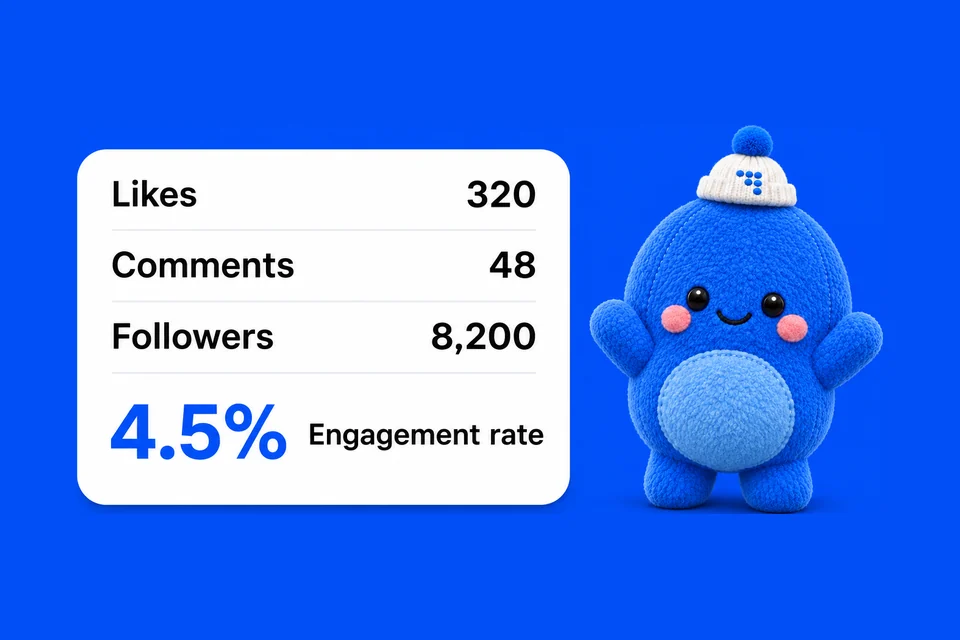
Engagement rate by followers, by reach and by impressions, side by side, from the same numbers.
Likes, comments, shares and saves are counted, so the rate reflects more than likes alone.
Enter totals for several posts and how many posts, and the calculator gives the average per post.
Under the answer, each step of the sum uses your own numbers, so you can check or explain it.
The same maths works for Instagram, TikTok, Facebook, LinkedIn, X, Threads and Bluesky posts.
There is no button: change any number and every rate and line of the working changes at once.
The sums run in this tab, so your account's figures go nowhere.
All three rates are worked out in your browser. Your followers and interactions stay on the device.
Your last numbers wait in this browser for next time, and the Clear button empties every field.
No login to any network and no sign-up. Check as many posts and accounts as you like, all for free.
Add likes, comments, shares and saves, divide by followers, then multiply by 100. Dividing by reach gives the rate by reach.
It depends on size and niche. Many marketers treat 1% to 3% by followers as average, with smaller accounts often higher.
By reach shows how people who saw the post reacted. By followers is easier to compare between accounts. Both are useful.
Yes. Saves and shares are some of the strongest signals a post gets, so this calculator includes them with likes and comments.
Open the post on a professional account and tap View insights. Reach is the number of accounts that saw it at least once.
Yes. Skimbly shows likes, comments and views for posts on Instagram, Facebook, Bluesky and Pinterest, with follower growth.
Add the likes, comments, saves and shares on a post, enter your followers or reach, and the calculator gives the rate.
Yes. The sums are the same on every network, so enter a TikTok or Facebook post's interactions and its views or followers.
Still have a question? Email hello@skimbly.com and you will hear back from the founder.
Skimbly collects likes, comments and reach for your Instagram, Facebook, Bluesky and Pinterest posts, so the numbers come to you.
Try every feature free for 7 days.