
Week, hour by hour
Posts in their hour, with the free posting times of your accounts marked between them.
Every post for every network you use, on one calendar. Plan your week, drag a post to a better time, and Skimbly publishes it when the time comes.
List, day, week, month or queue. They all show the same posts, so switch whenever the job changes.
Posts in their hour, with the free posting times of your accounts marked between them.
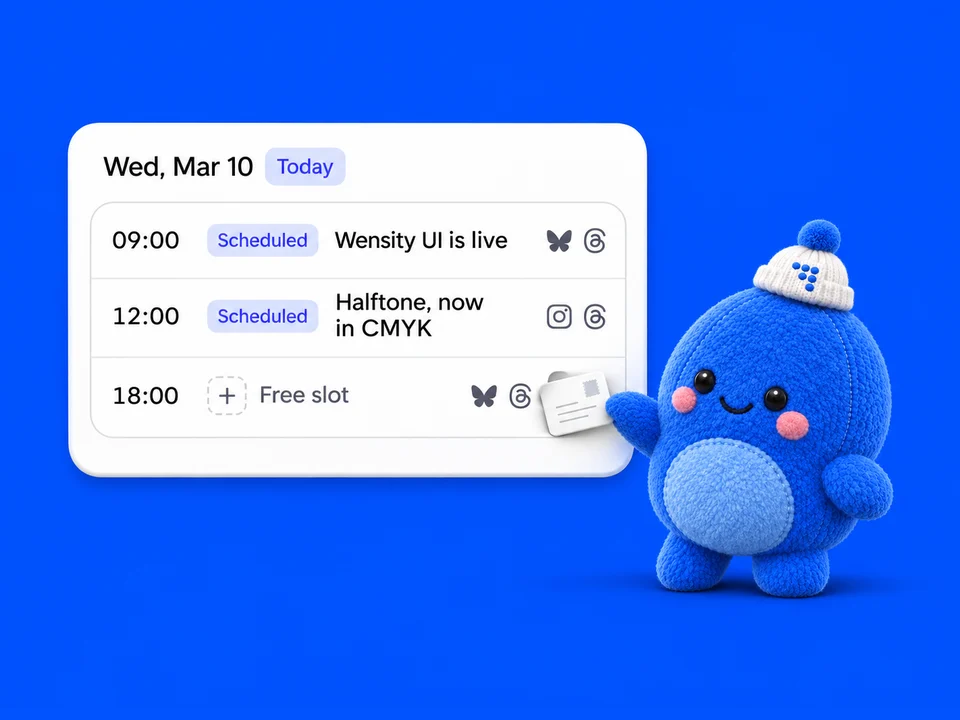
Each posting time in order: booked, or free to fill.
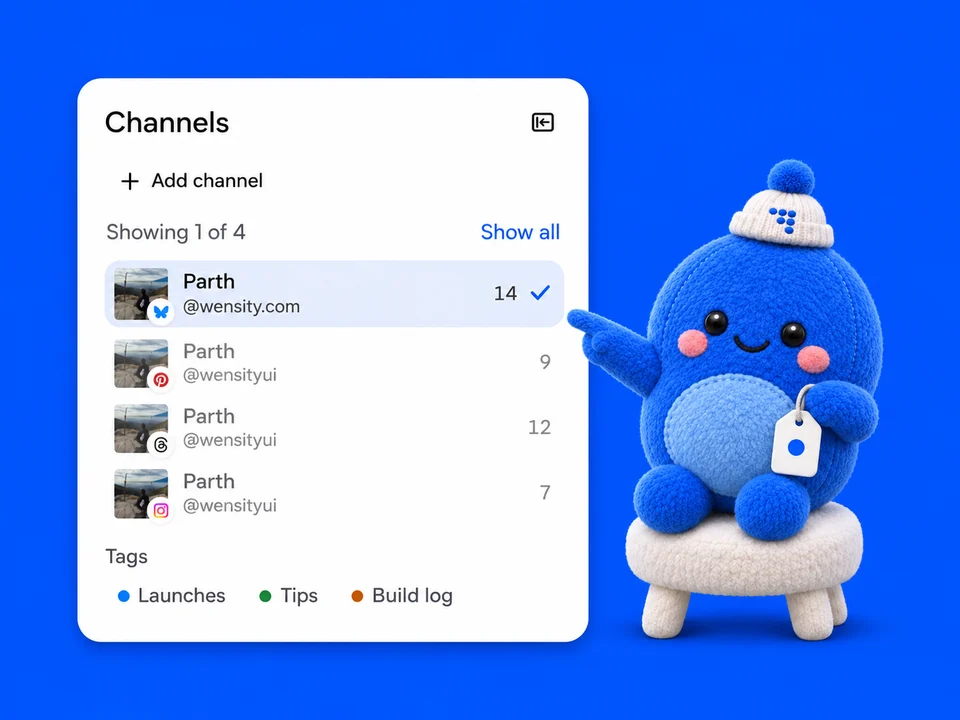
Show one brand, client or tag, with a count of posts beside each account.
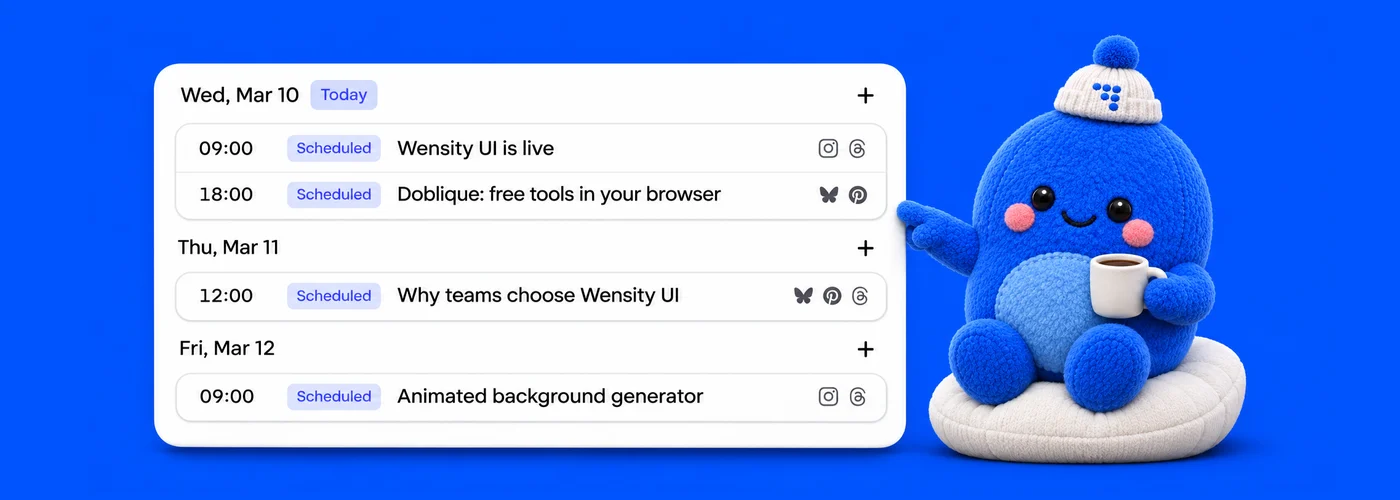
Day by day, every post with its time, its networks and where it stands.
Set the rhythm once, then fill it. Skimbly keeps the times and does the posting.
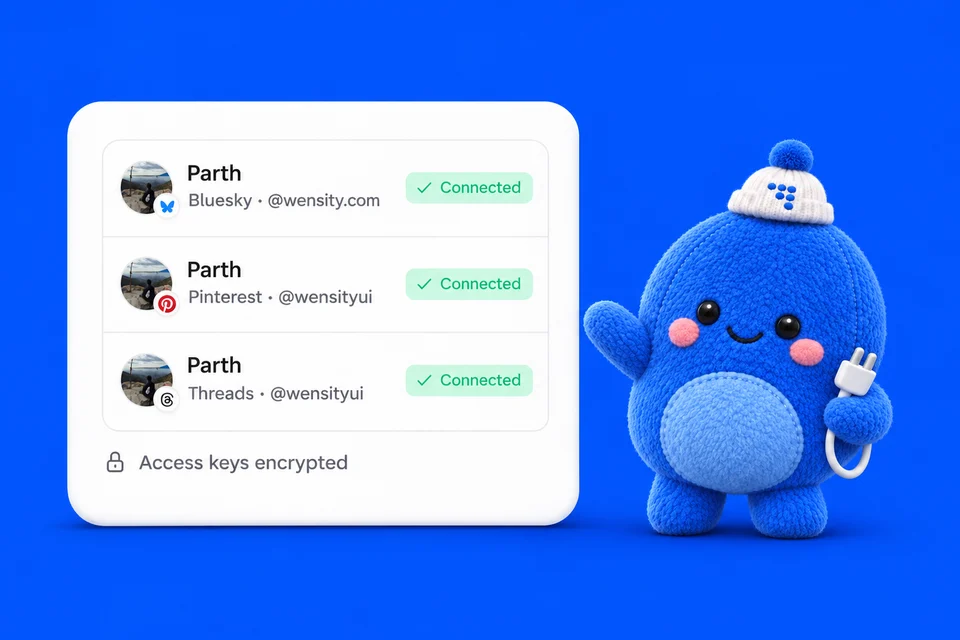
Sign in to each network once, and posts go out from your own profiles and Pages.
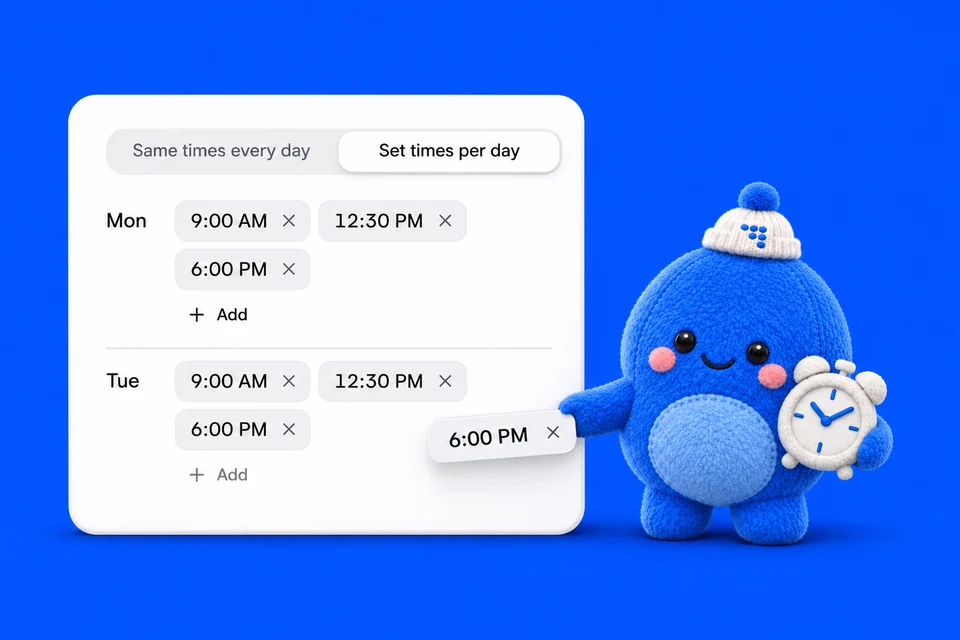
Pick the days and times each account posts. They show on the calendar as free slots.
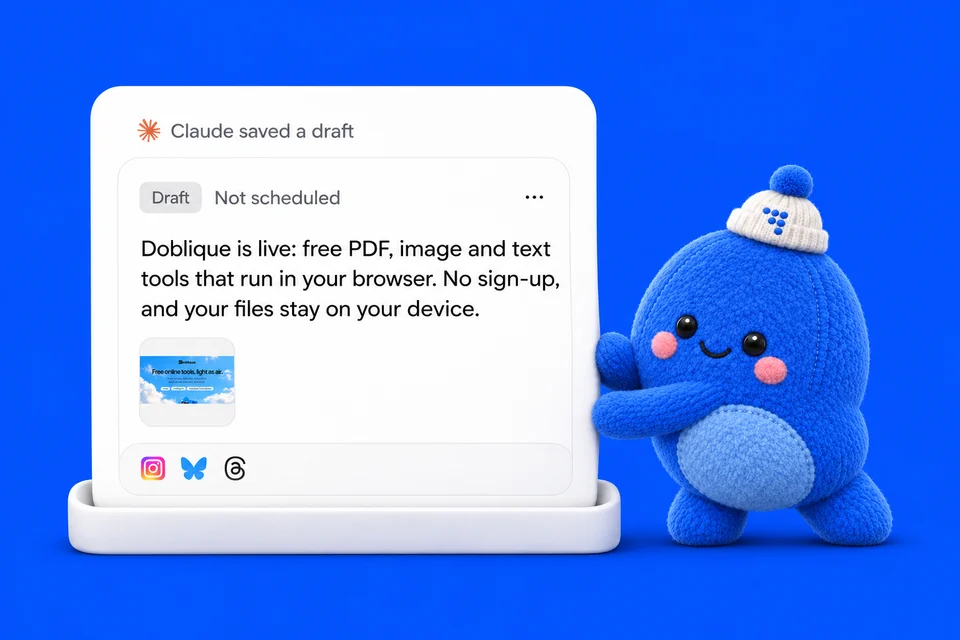
Write a post and add it to your queue, or have AI draft a whole week for you to check.
Plans move. The calendar is built so a change takes one drag, not a rewrite.
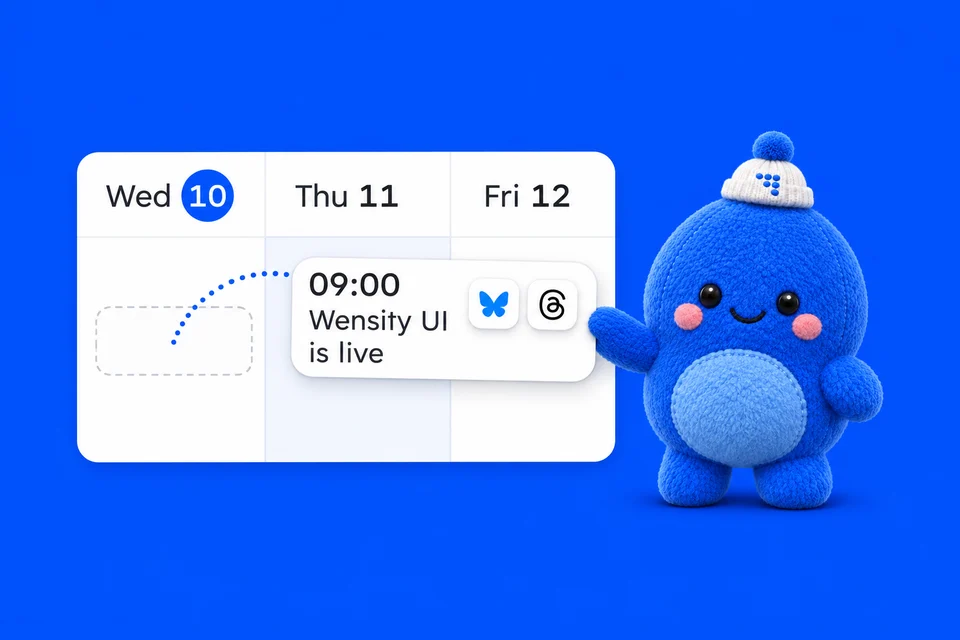
Drop a scheduled post or a draft on another day or hour and its time changes with it.
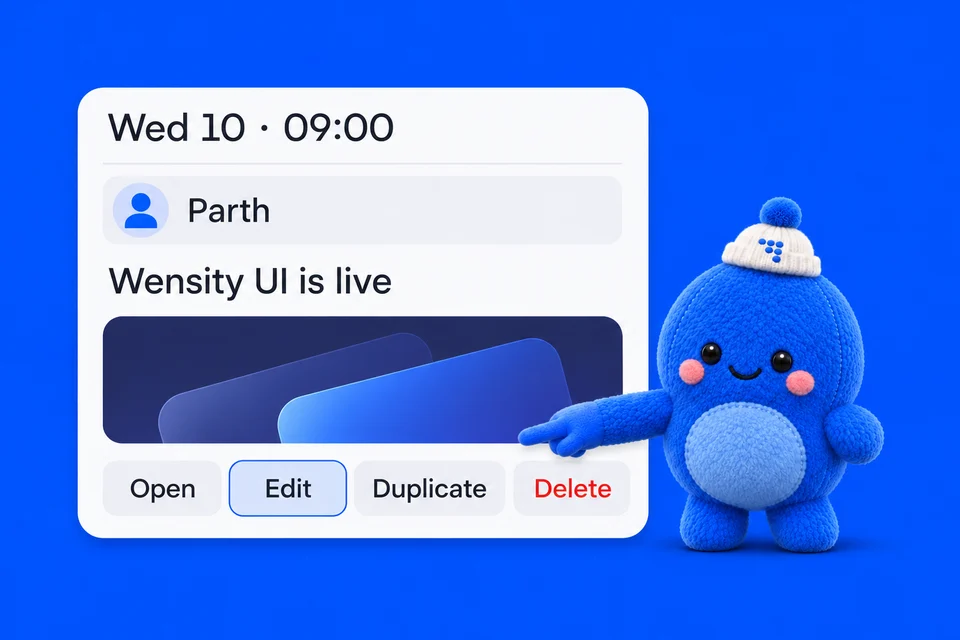
Click any post to see its preview, then open, edit, duplicate or delete it right there.
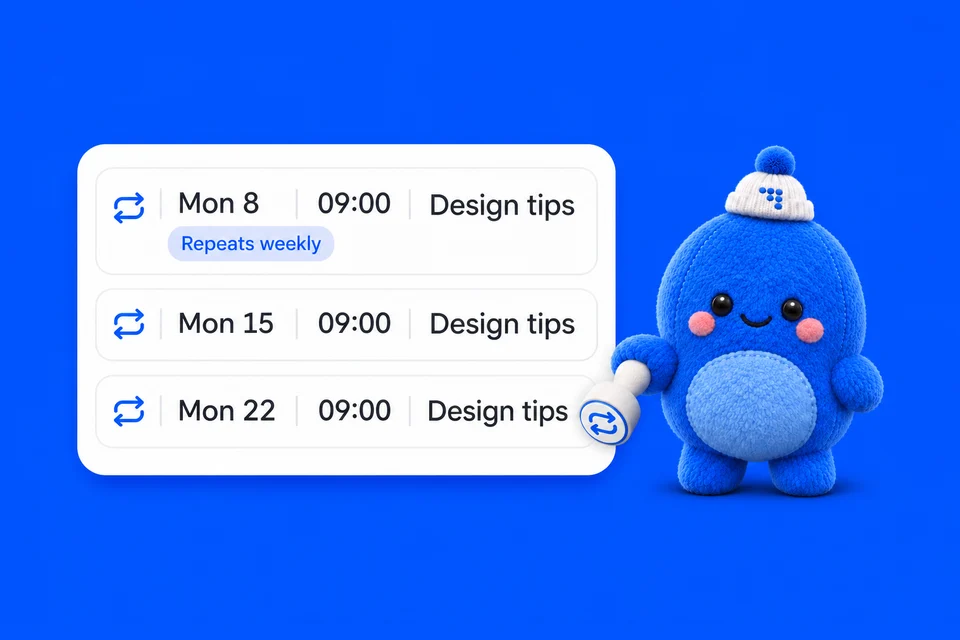
Repeat a post every day, every week or every month, and each time it goes out shows on the calendar.
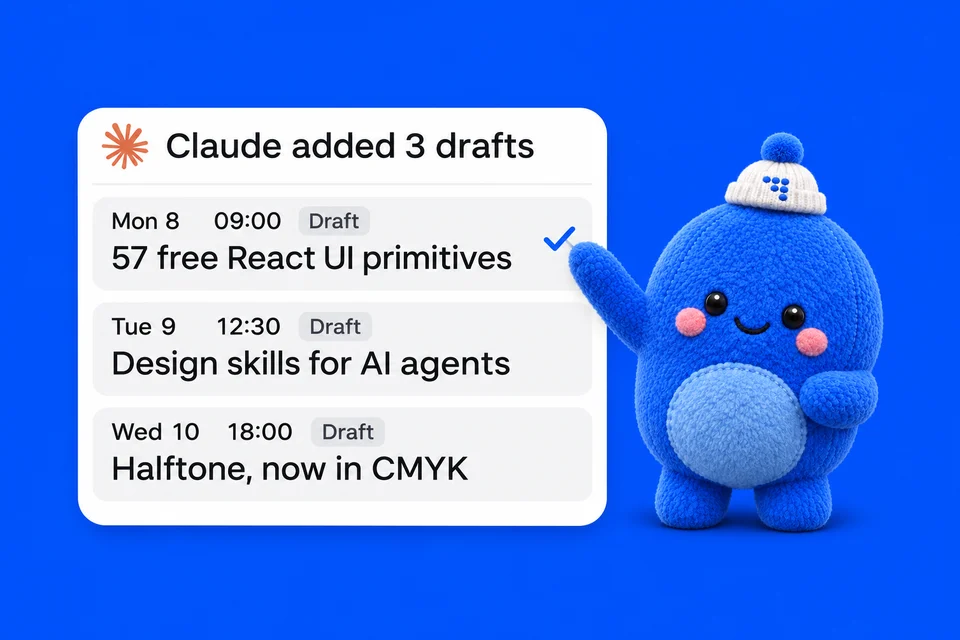
Ask for a week of posts and get drafts in your queue, ready for you to check and keep.

Times show where you are, in a 12 or 24 hour clock, whatever time zone a network uses.
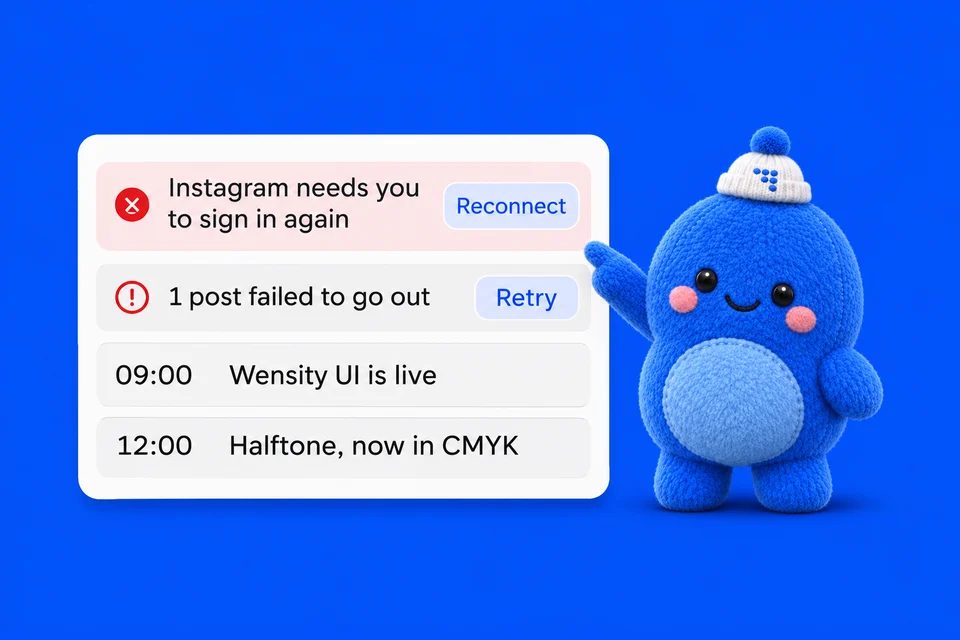
A post that failed or an account that needs signing in again shows above the calendar.
A social media calendar, also called a content calendar or social media planner, is a plan of what you will post, where and when, laid out by date. It turns posting from a daily scramble into something you decide once a week or once a month.
On paper or in a spreadsheet it is only a plan. In a scheduler like Skimbly the calendar is also the posting: each post on it goes out to its networks at its time, and moving it moves the post.
Start with where and how often. Pick the networks you can keep up with, then set a posting schedule for each, such as three posts a week on Instagram and one a day on Threads.
Then choose three or four kinds of post to rotate, like tips, behind the scenes and offers, and fill the slots a week or two ahead. Once a month, look at what did well and change the mix.
For each post: the words, the picture or video, the networks it goes to and the time. Most people also mark what a post is for, such as a launch, a tip or a reply to a trend, so the mix stays even.
In Skimbly that last part is tags. Give posts a tag per campaign or client, then filter the calendar to one tag to see that plan on its own.
A week or two is enough for most creators and small businesses. Longer plans tend to go stale, because news and replies change what is worth saying. Skimbly's queue looks 8 weeks ahead, so there is room, but a full fortnight is a good habit.
Keep a few open slots each week for things you cannot plan, and fill them on the day.
What people ask about planning posts in Skimbly.

7 networks, 18 AI apps and AI writing on every plan. Free for 7 days.