Is this tweet generator free?
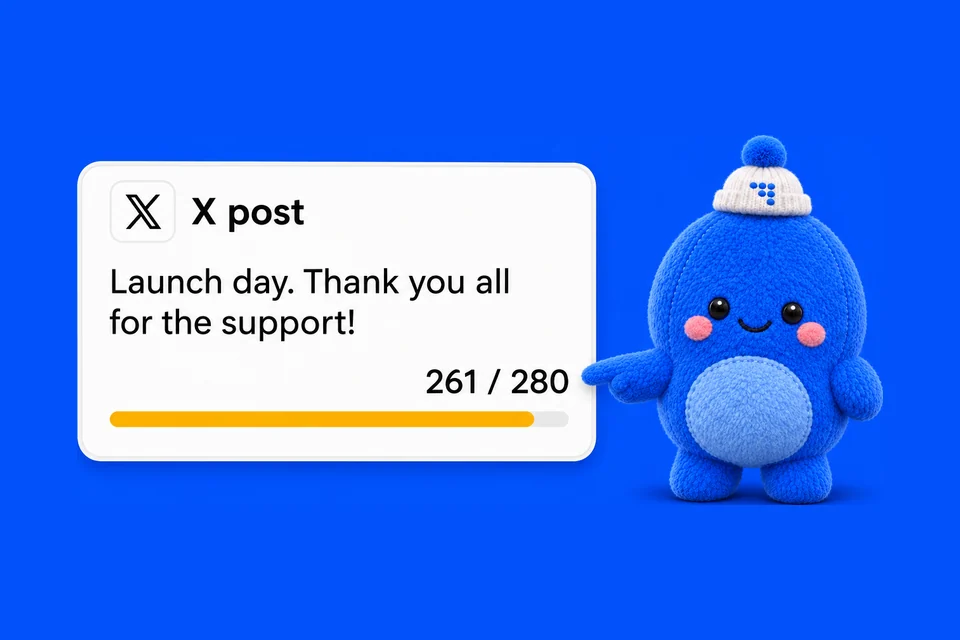
Yes, with no account or X login. Each visitor gets 15 AI requests a day, shared across all of the free AI tools.
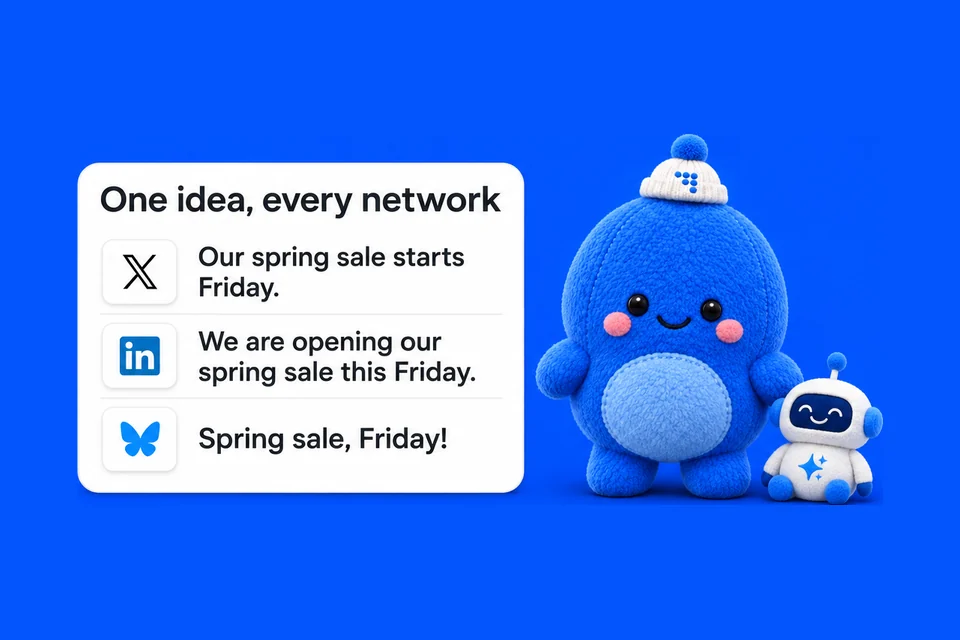
Give it a topic and a tone, and get five tweet ideas or a whole thread for X, every post already under 280 characters.
Free, no sign-up. 15 AI requests a day.
Your tweets show here, each with its count out of 280 and a copy button.
Counts follow X's own rules, with links as 23 and emoji as 2, so nothing is cut off when you post.
Free and no sign-up. 15 AI requests a day, shared across the free AI tools.
From a topic to posts ready for X in three steps.
Write what you want to post about: a lesson, an opinion, a launch or a link you share. One or two lines is plenty.
Choose five separate tweets to pick from, or one thread that builds a point over three to six posts, then a tone.
Each post shows its count out of 280. Copy one tweet, or every part of the thread in order, and post it on X.
On X, the first line is the whole pitch: people decide in the time it takes to scroll past it. A good tweet makes one point, says it plainly and gives a reason to reply, repost or open the thread, whether that is a number, a strong opinion or a question.
Threads work when the first post is a hook that promises something and each next post delivers one piece of it. Keep every part readable on its own, end with a takeaway or a question, and do not number them unless the order matters.
Every post here is held under 280 characters as X counts them, so a link takes 23 and an emoji 2. Edit the wording to sound like you before you share it; a detail only you know makes an ordinary tweet yours.
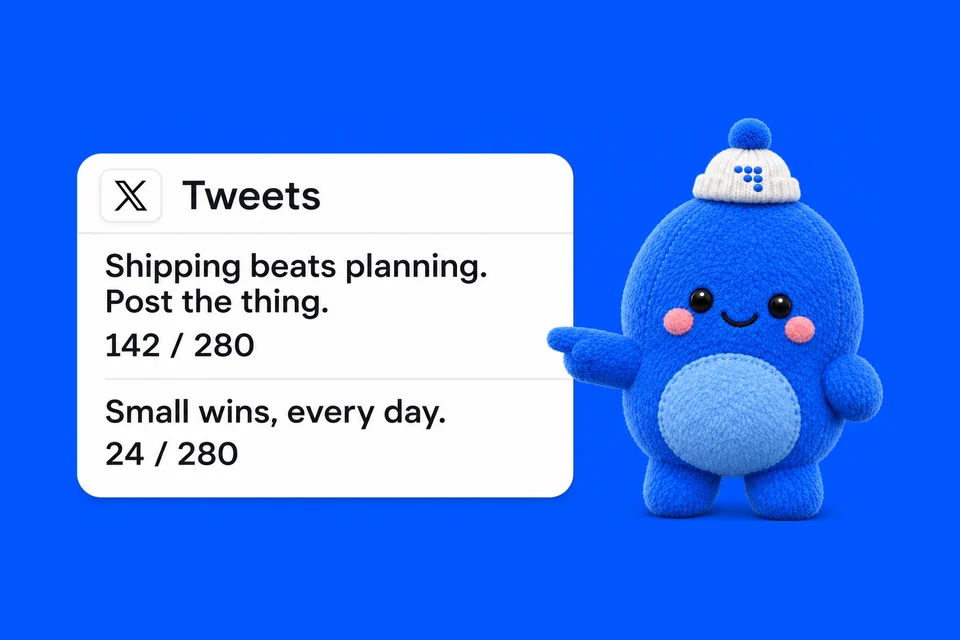
Five single posts on your topic, each from a different angle: a claim, a question, a tip, a story.
Three to six posts that build one idea, opening on a hook and closing on a takeaway or a question.
Witty, helpful, bold or friendly, so a product update and a hot take never sound the same.
Every post stays under 280, with links at 23 and emoji at 2, and its count is shown beside it.
The AI keeps to what you give it and leaves out numbers, names and quotes you did not include.
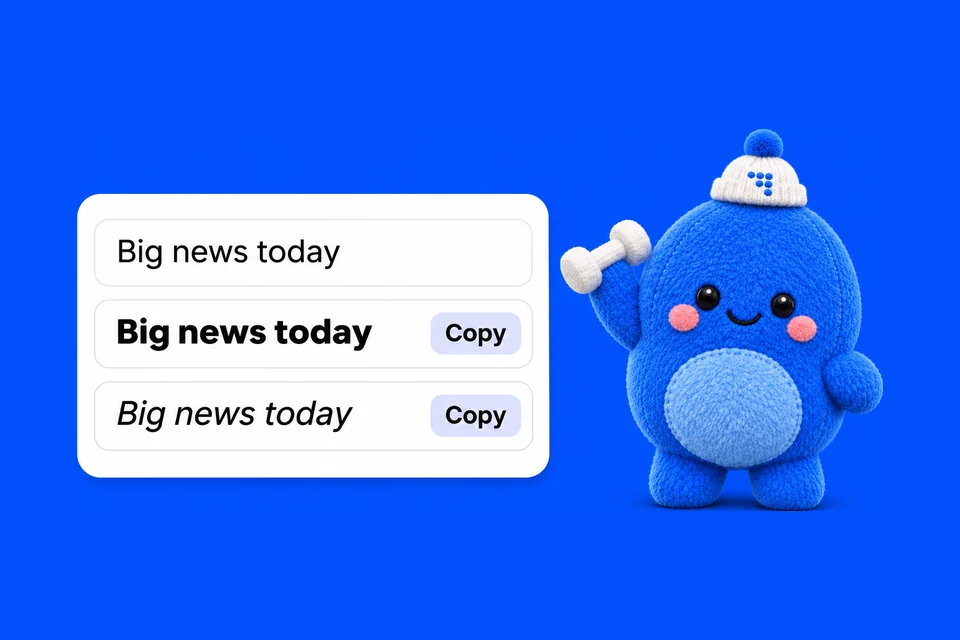
Every tweet and every part of a thread has its own copy button, so you paste them one by one.
Writing tweets needs AI, so the topic you type is sent to write them.
Your topic is sent to Skimbly's server and to Groq, the AI that writes the tweets for you.
Skimbly keeps neither the topic nor the tweets. They stay on this page until you close the tab.
No sign-up and no X login. Your IP address is scrambled and used only to count requests each day.
Yes, with no account or X login. Each visitor gets 15 AI requests a day, shared across all of the free AI tools.
Yes. Choose Thread, and it writes three to six connected posts with a hook first, each one under 280 characters.
280 characters on a free X account, with links counted as 23 and emoji as 2. X Premium allows longer posts.
Start from what you know: a lesson, a mistake, a number or an opinion. Give that as the topic and pick from five angles.
Not if you edit it. Swap in your own words and one real detail, and the tweet reads like something you wrote yourself.
Yes. Paste them into Skimbly, as one post or as a thread with replies, and they go out on X at the time you pick.
No tool can promise it. Open with a clear hook, make one point and post when your readers are online, then reply to them.
Yes. Write the tweets here, then schedule them in Skimbly for set times or add them to your queue to post one by one.
Still have a question? Email hello@skimbly.com and you will hear back from the founder.
Paste the thread into Skimbly as a post and its replies, pick a time, and the whole thread goes out on X together.
Try every feature free for 7 days.