How many characters in a Threads post?
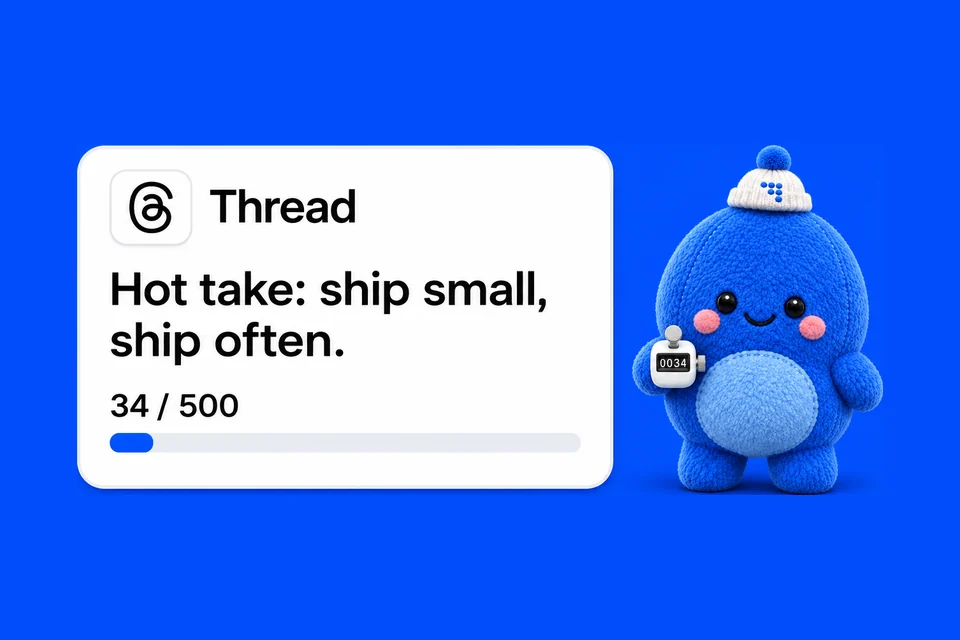
500 characters per post, and replies have the same limit. A text attachment in the app can add up to 10,000 more.
A Threads post holds 500 characters, five links and one topic tag. Paste a post to check all three before you share it.
Emoji can count as 2.
Kept in this browser only, so a refresh keeps your text.
Links and topic tags are counted as you type, with a warning as soon as a post has too many.
No Instagram login and no upload: the post is counted in this tab and kept in this browser.
Fit a post to Threads' limits in three steps.
Type or paste your Threads post. The count changes as you type, along with the links, tags and mentions in it.
The bar turns red past 500. A warning shows up if the post has a sixth link or a second topic tag in it.
Too long? Move the rest into a reply to your own post, so the thread reads on, then copy each part into Threads.
A post on Threads can be 500 characters, and replies follow the same limit. For a longer piece, the Threads app lets you attach a block of text of up to 10,000 characters, shown as a card under the post.
Each post can carry up to five links and one topic tag. A topic tag works like a hashtag but files the whole post under a single topic, so pick the one your readers are most likely to browse.
Your Threads bio holds 150 characters and is shared with your Instagram profile, so a change in one shows up in the other. Most people keep a short line there and put the details in pinned posts.
| What | Limit | Note |
|---|---|---|
| Post | 500 | Replies too |
| Links | 5 per post | |
| Topic tag | 1 per post | |
| Text attachment | 10,000 | In the Threads app |
| Bio | 150 | Shared with Instagram |
Counts the post against Threads' cap of 500 and shows the characters left, or how many over.
Counts the web addresses in the post and warns as soon as there are more than Threads takes.
Spots a second tag right away, since Threads files each post under a single topic and no more.
Counts each @ handle, so you know who gets a notification and how much room the names take.
Words are counted beside characters, for anyone who writes to a word goal instead of a limit.
Copy the post with its line breaks kept, then paste it into the Threads app on any phone or browser.
The counting runs in this tab, and the text never leaves your device.
Characters, links and tags are counted by your browser itself. Nothing is sent to a server to do it.
The post waits in this browser, ready after a refresh. Press Clear and it is gone from the device.
No Threads or Instagram login and no sign-up. Count posts as often as you need, free of charge.
500 characters per post, and replies have the same limit. A text attachment in the app can add up to 10,000 more.
One topic tag per post. It works like a hashtag that files the post under a single topic, so choose it carefully.
Up to five links per post. A post with one link usually shows a preview card for it under the text.
150 characters. Threads fills it from your Instagram bio when you join, and you can change it under Edit profile.
Reply to your own post to continue the thread, or add a text attachment in the Threads app for a longer piece.
Yes. The Threads app schedules single posts. Skimbly also schedules the follow-up replies, so a whole thread goes out on time.
Yes. Spaces, line breaks and punctuation all count toward the 500 limit, so each blank line between paragraphs costs one.
Yes, for 15 minutes after it goes live. After that the text is fixed, so check the count and spelling before you post.
Still have a question? Email hello@skimbly.com and you will hear back from the founder.
Write a post and its replies once, pick a time, and Skimbly posts the whole thread to Threads, alongside your other networks.
Try every feature free for 7 days.