What is the Instagram caption limit?
2,200 characters per caption, counting spaces, line breaks, emoji, hashtags and @mentions. Comments share the same cap.
An Instagram caption holds 2,200 characters, 5 hashtags and 20 mentions. Paste yours to check all three and see what shows before more.
Emoji can count as 2.
Kept in this browser only, so a refresh keeps your text.
Your first 125 characters show here, as the feed shows them.
Hashtags and @mentions are counted as you type and flagged the moment a caption has too many.
No account and no upload: your caption is counted in this tab and kept in this browser.
Make sure a caption fits before Instagram refuses it.
Type or paste the caption, hashtags and all. The count, hashtags and @mentions update with every key you press.
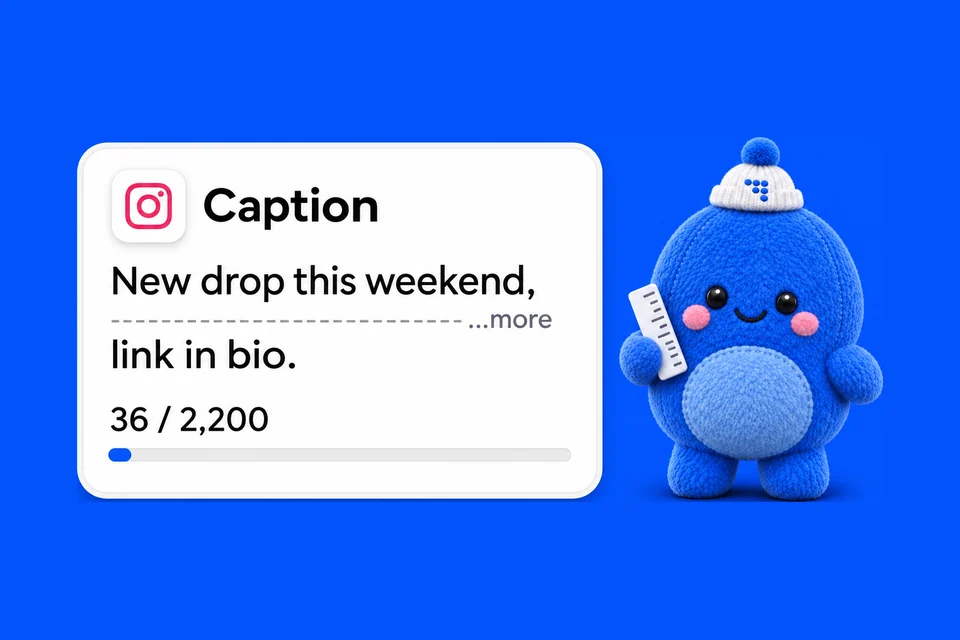
The box under the counter shows the first 125 characters, what people see in the feed before they tap more.
A red line appears when the caption passes 2,200, carries a sixth hashtag or a 21st mention. Trim it, then copy.
An Instagram caption can be 2,200 characters long, counting spaces, line breaks, emoji, hashtags and @mentions. Many emoji take two characters, so a caption dotted with them reaches the limit sooner than its look suggests.
Under each photo the feed shows about 125 characters, or two lines, then more. Put the reason to read in that space: the offer, the question or the surprising part. Everything below it is only seen by people who tap.
Two more caps apply to every post. Since December 2025 a post or reel takes five hashtags, and a caption can tag twenty accounts. A caption that breaks either one may be refused when you share it, so check it first.
| What | Limit | Note |
|---|---|---|
| Caption | 2,200 | About 125 show before more |
| Hashtags | 5 per post | Since December 2025, was 30 |
| @mentions | 20 per caption | |
| Bio | 150 | |
| Name | 30 | |
| Username | 30 | |
| Comment | 2,200 |
Counts every character against Instagram's 2,200 cap and shows how many are left or how far over.
Counts the hashtags in the caption and warns the moment a sixth one would make Instagram refuse it.
Counts each @ tag in the caption against the cap of twenty, so a collab post never goes over it.
Shows the first 125 characters as the feed shows them, so you can test the line that earns a tap.
Words and web addresses are counted too. Links in captions are not clickable, so they belong in bio.
Copy the finished caption with its line breaks kept, ready to paste into Instagram on your phone.
The counting runs in this tab and nothing you paste is sent anywhere.
Characters, hashtags and mentions are all counted by your browser, never by a server somewhere.
The caption stays in this browser so it is there after a refresh. Clear deletes it from the device.
No Instagram login and no Skimbly account. Check as many captions as you like, any time, for free.
2,200 characters per caption, counting spaces, line breaks, emoji, hashtags and @mentions. Comments share the same cap.
150 characters for the bio. Your name and your username can each be up to 30 characters long.
Five per post or reel. Instagram lowered the cap from thirty in December 2025, and a caption with more will not post.
About 125, or two lines, depending on the phone. The rest of the caption opens only when someone taps more.
Many do. Most emoji are stored as two characters or more, so they fill the 2,200 limit faster than letters.
Yes. Skimbly posts photos, carousels and reels to Instagram with the full caption, and your first comment, on time.
Yes. Spaces, line breaks and punctuation all count toward 2,200, so a caption with many short lines fills up faster.
Press return where you want a new line, or write the caption here and paste it in. Each line break counts as one character.
Still have a question? Email hello@skimbly.com and you will hear back from the founder.
Write the caption once, add photos or a reel, and Skimbly posts it to Instagram at the time you pick, with your first comment.
Try every feature free for 7 days.