What is the LinkedIn post character limit?
3,000 characters for a post, including spaces and line breaks. Emoji and styled bold letters can count as two each.
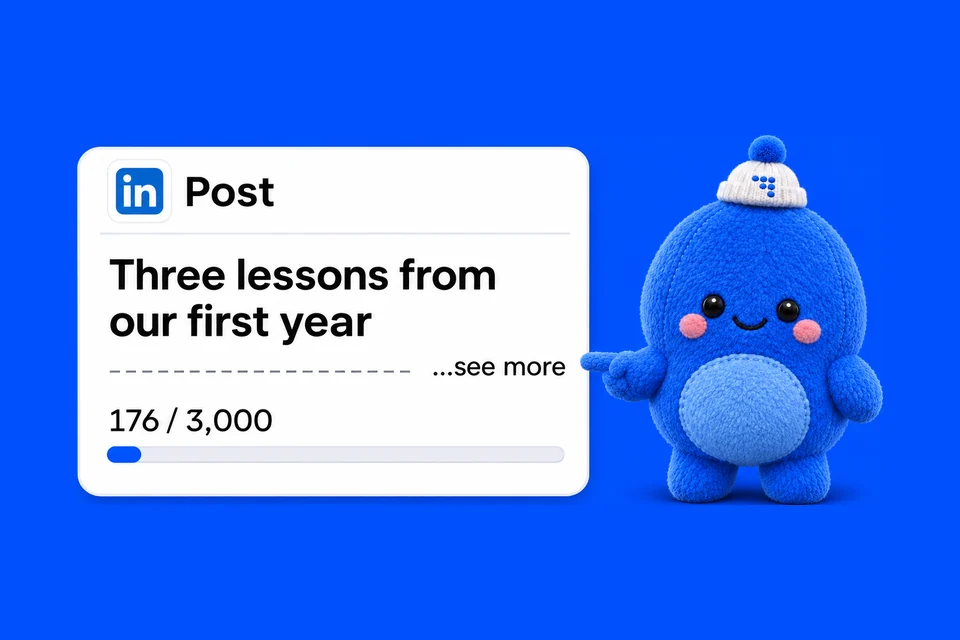
A LinkedIn post holds 3,000 characters, and the feed shows about 210 before see more. Paste a post to check both before you share it.
Emoji and styled letters can count as 2.
Kept in this browser only, so a refresh keeps your text.
Your first 210 characters show here, as the feed shows them.
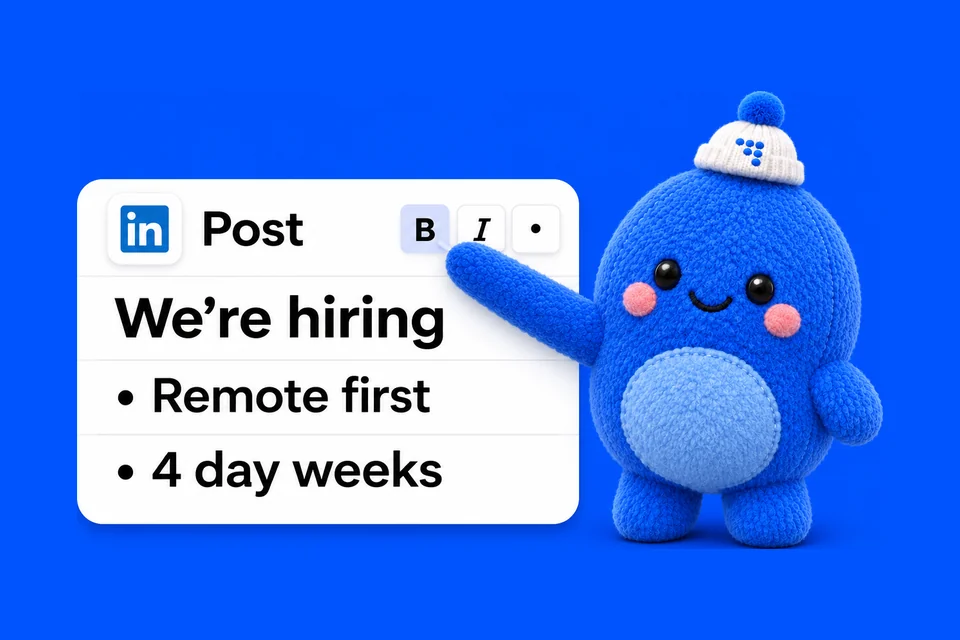
Want bold text or bullets? Use the LinkedIn text formatter.
The box under the counter shows your opening as the feed folds it, so you can test the hook.
No account and no upload: the post is counted on this device and kept in this browser.
Fit a post to LinkedIn's limit and its fold in three steps.
Type or paste your LinkedIn post. The count updates as you type, with spaces and line breaks included.
The box under the bar shows the first 210 characters, roughly what the feed shows on a computer before see more.
Want bold text or bullets? Open the LinkedIn text formatter. Otherwise copy the post and paste it into LinkedIn.
A LinkedIn post can be up to 3,000 characters, with spaces and line breaks counted. Emoji and the styled letters some people paste in for bold text often count as two each, so a post that uses them reaches the cap sooner.
In the feed, LinkedIn shows the first three lines or about 210 characters on a computer, and less on a phone, then see more. Readers decide in that space, so the opening line works like a headline for the rest.
Other fields have limits of their own: 220 characters for a headline, 2,600 for the About section, 1,250 for a comment and 300 for the note you add to a connection request on a paid account (200 on a free one).
| What | Limit | Note |
|---|---|---|
| Post | 3,000 | About 210 show before see more |
| Headline | 220 | |
| About section | 2,600 | |
| Comment | 1,250 | |
| Connection note | 300 | 200 on a free account |
Counts the post against LinkedIn's 3,000 cap and says how many characters are left or how far over.
Shows the first 210 characters as the feed does, so you can check the hook lands before the cut.
Words are counted next to characters, for when a brief or a client asks for a post of set length.
Counts the hashtags, @mentions and links, so you can see how much of the post they take up.
Need bold text or bullets? The LinkedIn text formatter adds them and shows a live LinkedIn preview.
Copy the finished post with its line breaks kept, then paste it into LinkedIn on desktop or phone.
LinkedIn posts are counted in this tab, so none of the text leaves it.
The count and the fold are worked out by your browser alone. No draft is ever sent to a server.
Your draft is saved in this browser, so closing the tab by mistake loses nothing. Clear wipes it.
No LinkedIn connection and no sign-up needed. Count as many posts as you like, whenever you like.
3,000 characters for a post, including spaces and line breaks. Emoji and styled bold letters can count as two each.
After about 210 characters or three lines on a computer, a little sooner on phones. The rest is behind see more.
220 characters for the headline under your name. The About section allows 2,600 characters and a comment 1,250.
300 characters on a paid account and 200 on a free one. Messages to people you are connected with can be much longer.
Not with a button, but you can paste Unicode bold letters. The LinkedIn text formatter on this site makes them for you.
Yes. Skimbly schedules posts to your LinkedIn profile along with your other networks. Company Pages are coming soon.
Yes. LinkedIn counts every space, line break and emoji toward its 3,000 limit, the same way this counter does.
Long enough to make one point well. Many strong posts run 1,000 to 1,500 characters, with the hook before the fold.
Still have a question? Email hello@skimbly.com and you will hear back from the founder.
Write once, pick a time, and Skimbly posts to your LinkedIn profile and your other networks for you, with AI writing included.
Try every feature free for 7 days.